Questions about Lucida
Short answers to the questions people ask most about Lucida, from pricing and spaced repetition to AI-made cards, importing, sharing and live games. If yours isn’t here, email team@lucida.cards.
On this page
The basics
What is Lucida?
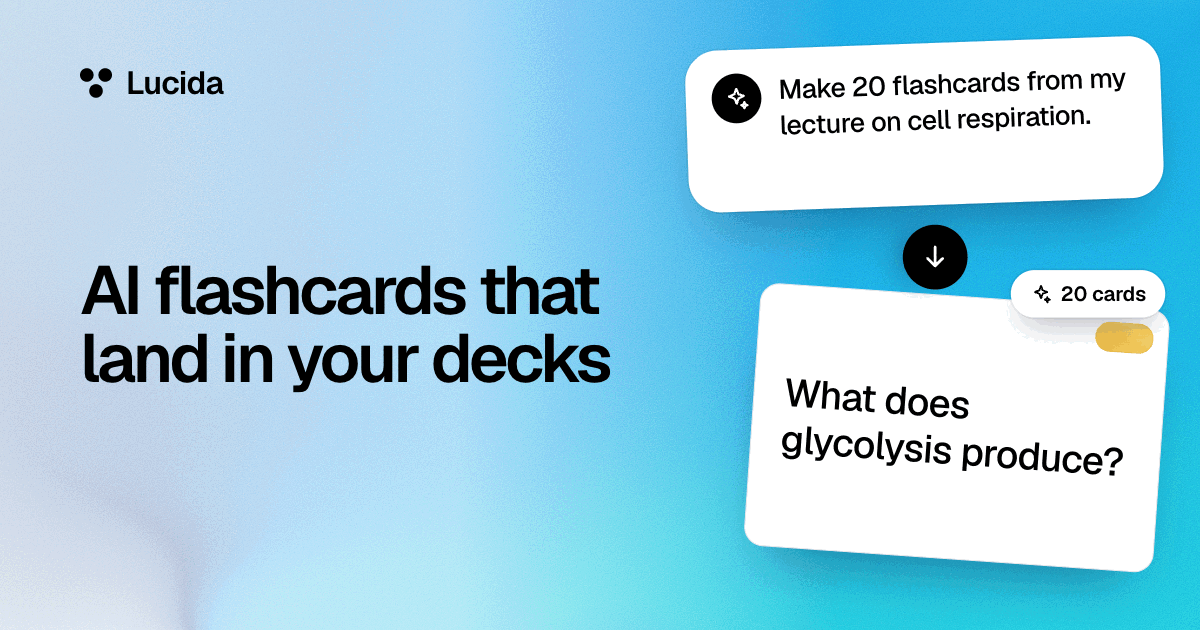
Lucida is a flashcard app that runs in your browser. It can make cards from your files, pictures, recordings, YouTube links or a topic, your own AI (Claude, ChatGPT, Cursor or any app that supports MCP) can make cards through Lucida’s MCP link, and FSRS spaced repetition plans every review.
Is Lucida free?
Yes. Unlimited decks and cards, spaced repetition, Learn mode, sharing, live games, making cards in Lucida (3 makes a day), up to 100 pictures and sounds, and import and export are free. Pro is optional.
How much does Lucida Pro cost, and what does it add?
Pro is $5.99 a month or $49.99 a year (as of September 2026). It adds Stats, exam dates, unlimited pictures and sounds, themes, the hardest cards on decks you share, photo covers, natural voices for sound cards, more AI explanations, 30 card makes a day instead of 3 with more pages, longer recordings and more room for Sources, and tuning the schedule to your own reviews.
Do I need an account?
To make and study decks, yes. You sign in with an email code, Google or Apple. You don’t need an account to join a live game or to read a shared deck’s page.
Is there an iPhone or Android app?
Not yet. Lucida is a web app that works in the browser on phones, tablets and computers, including iPhone and Android. A native iPhone app is being built and isn’t on the App Store yet.
Does Lucida work offline?
No. Lucida needs an internet connection.
How old do I need to be to use Lucida?
13. Lucida’s terms require it, and its privacy policy says it isn’t meant for children under 13.
Who can see my cards?
Only you, unless you share a deck or play it in a live game. A deck’s Sources, the files and recordings its cards were made from, stay private even on a shared deck. An AI app can see your cards only if you connect it and sign in to Lucida (or give it your private link), and only as far as you allow on the Connect AI page.
Does Lucida use my cards to train AI?
No. Lucida’s privacy policy says it doesn’t sell your data, use it for ads, or use your cards to train AI models. When you make cards in Lucida, the text, pictures, scanned pages, audio or topic you give it go to an AI service to write the cards, and a YouTube link goes to Google’s Gemini so it can watch the video. Lucida asks for services that say they don’t keep it or train on it, and it deletes uploaded files after the make unless you keep them as the deck’s Source. What you share with your own AI app is covered by that company’s own policy.
How do I contact Lucida?
Email team@lucida.cards.
Spaced repetition
What is spaced repetition?
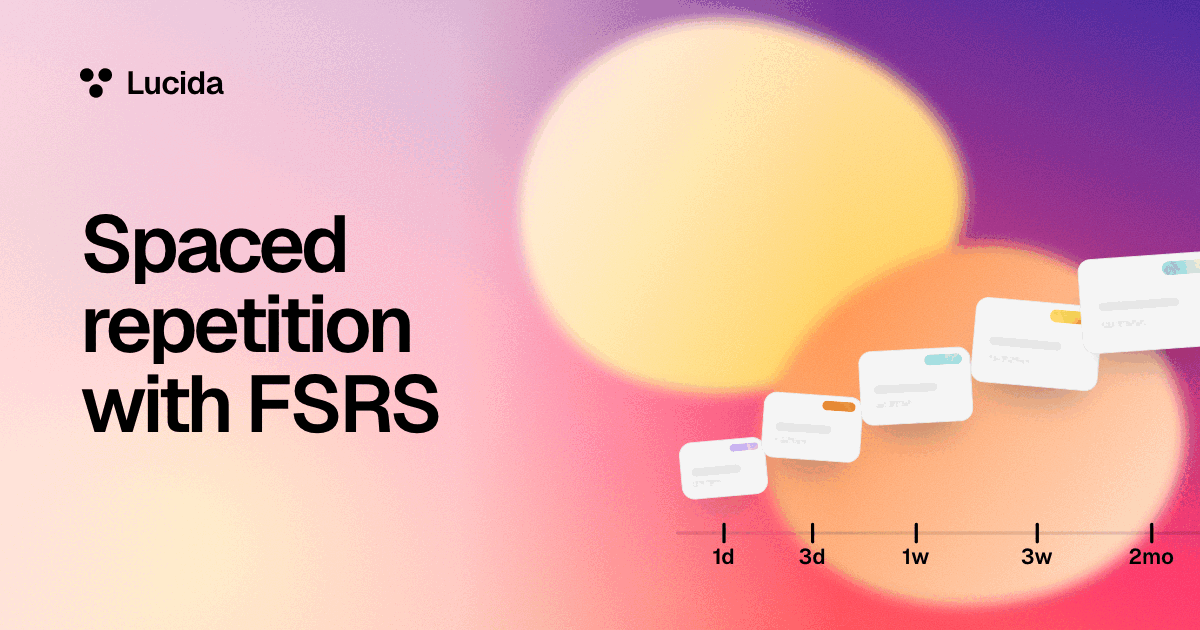
Spaced repetition is reviewing something again after a gap that grows each time you remember it, so you see it just before you’d forget it. Lucida uses it to choose which cards to show each day.
What is FSRS, and which version does Lucida use?
FSRS (Free Spaced Repetition Scheduler) is an open-source algorithm that estimates how likely you are to remember each card and schedules the next review for when that chance falls to 90%. Lucida uses FSRS version 5. See spaced repetition.
When does a card come back?
When your chance of remembering it has fallen to 90%. Lucida uses that for every deck, so there’s nothing to set.
How many new cards should I study a day?
Lucida starts at 20. Each new card adds reviews later, so if your due list keeps growing, lower the number. Anki’s manual estimates that 20 new cards a day settles at roughly 200 reviews a day.
What happens if I miss a day or a week?
Nothing resets. FSRS uses the real time since each review, so you just start on the list. If a lot is overdue, pause new cards until you catch up.
Can I turn spaced repetition off?
Only by grading a deck with piles, which only sort cards and give no next review date. Four grades and the check or X always schedule with FSRS.
What is a leech?
A card you keep forgetting. Lucida tags a card Leech after 8 forgets so you can find it and fix it. On Pro you can change the count, or pause such cards.
Can I set an exam date?
Yes, on Pro. From 30 days before the exam, cards you’d probably forget by then come up early, and Stats shows how much of the deck you’d likely remember on the day.
Can Lucida tune the schedule to my own reviews?
Yes, on Pro, once you have 400 graded reviews (at least 100 of them on cards you’d already learned). It runs in your browser, and you can switch back to the standard settings at any time.
Making cards
What kinds of cards can I make?
Four: question and answer, fill in the blank, picture (with optional hidden parts) and sound.
Can Lucida make cards from my files, notes or lectures?
Yes. Choose Make cards and add a PDF, a PowerPoint (.pptx), Word (.docx) or text file, pictures (a photo of notes, slides, a whiteboard or a book page), an audio file, a lecture recorded in the app, a YouTube link, pasted text, or a topic typed in words, like “the Krebs cycle”. You pick the deck, how many cards (Auto, 10, 20 or 50), the kinds (basic or fill in the blank) and the language. Lucida shows the new cards first, and you edit, remove or keep each one. It can’t make cards from a web page address: paste the text, or save the page as a PDF.
What are the limits for making cards?
Free: 3 makes a day, each up to 30 pages (a slide or a scanned page counts as a page), 15 minutes of recording or video, or 10 pictures, with files up to 20 MB. Pro: 30 makes a day, up to 300 pages, 2 hours of recording or video, or 50 pictures, with files up to 40 MB (25 MB for an audio file). One make gives at most 100 cards.
How do I make a fill-in-the-blank card?
Add a Blank card and put double brackets around the words to hide, like “The [[mitochondrion]] makes ATP.” Each blank becomes its own card, or you can choose one card for all of them.
Can I use bold, lists or math on cards?
Yes: bold, italics, underline, strikethrough, highlights, headings, bullet and numbered lists, and simple math like powers, subscripts, fractions, roots and Greek letters. It doesn’t do full equation layout.
Can I add pictures and sounds?
Yes. Free includes up to 100 cards with a picture or a sound, and Pro has no 100 limit. You can record yourself, upload a file (up to 4 MB), or have your device read words aloud.
What is image occlusion?
It hides parts of a picture behind boxes, so you recall what’s under each one. Each box becomes its own card. It’s free, with up to 30 boxes on a picture. See image occlusion.
How do I organize my decks?
Put decks in folders (one level), tag cards by topic, drag decks and cards to reorder them, and use the All cards view to search and filter.
What are a deck’s Sources?
What its cards were made from: the file, recording, video, pasted text or topic. Each card remembers its page or time and can open the source there. Sources are private, even on a shared deck: a public deck’s page may only say “Made from 3 sources”. Deleting a source removes its file, and the cards stay. Free has room for 500 files and 500 MB of stored sources, and Pro for 5,000 files and 5 GB.
What is a deck’s Guide?
A page you write in Markdown (headings, lists, task lists, links, tables, code, quotes and pictures), shown under the deck’s header like a README. A Guide can have extra pages and a short history of versions, and “Make cards from this guide” turns it into cards. On a shared deck, the Guide shows on its public page.
AI cards
How do I make flashcards with ChatGPT or Claude?
Add Lucida’s link, app.lucida.cards/mcp, to your AI app (as a custom connector in Claude, or a developer-mode app in ChatGPT), sign in to Lucida and press Allow, then ask for cards. The cards land in your decks. See AI flashcards.
Which AI apps work with Lucida?
Claude, ChatGPT and Cursor have steps in Lucida, and any app that can add a remote MCP server by its web address can use Lucida’s link. Gemini and Grok can add custom MCP servers too, but Lucida has no steps for them.
Do I need a paid AI subscription?
Not for Lucida itself: you can make cards in Lucida (3 makes a day on Free), type them, import them or study shared decks with no AI subscription. To use your own AI app, Claude’s free plan allows one custom connector, and OpenAI lists ChatGPT’s developer mode for Pro, Plus, Business, Enterprise and Education accounts.
Can the AI delete my cards?
Only if you switch on Delete cards on the Connect AI page, and it’s off by default. You can also turn on Let me check AI cards first, so new cards and changes wait for your OK.
Are AI-made flashcards accurate?
Not always. Lucida’s terms say AI apps can make mistakes and to check what matters, especially before an exam. Lucida shows the cards it makes before they are saved, so read them and edit, remove or keep each one. With your own AI app, give it your own notes and read the cards.
Does Lucida have its own AI?
Yes. Lucida’s own AI makes cards (from your files, pictures, recordings, YouTube links or a topic), writes the questions when you start a live game from a topic, and writes Explain, a short explanation of why a card’s answer is right (3 a day on Free, up to 200 a day on Pro). Everything else an AI does for you happens in your own AI app, through your Lucida link.
Study and sharing
What is Learn mode, and is it free?
Learn mode quizzes you on your cards with multiple choice, true or false, matching, fill-in-the-blank and typed questions until you’ve got each one right twice in a row. It’s free. See Learn mode.
How do live games work?
You open a room from a deck on a computer, and players join on their phones with a 6-digit code and a name. Everyone answers the same questions for points, and a leaderboard and podium follow. A room holds up to 60 players. See live games.
Can I start a live game from a topic?
Yes. Type a topic instead of choosing a deck, and Lucida writes about 10 questions. Afterwards, Save as a deck keeps the questions. It counts as one of your daily makes, so the same limits apply.
Do players need an account for a live game?
No. They need only the code and a name. The host needs a Lucida account.
What’s the difference between studying a deck and making a copy?
Studying follows the owner’s changes, and you can’t edit the cards, but you can suggest changes. A copy is your own deck to change, and it can offer you the owner’s later changes to take or skip.
Import, export and your data
Can I import my cards from Anki?
Yes, through Anki’s Notes in Plain Text export, not the .apkg file. Scheduling, pictures, sounds and tags don’t come along. See importing.
Can I import my Quizlet sets?
Yes. On quizlet.com, open a set you made, choose Export, then Copy text, and paste it into Lucida’s Import cards. Quizlet doesn’t export pictures.
Can I export my cards?
Yes, on any plan. Export one deck as a CSV file, or everything (decks, cards and review history) as one lucida.json file from Settings.
How do I delete my data or my account?
In Settings, Delete account removes every deck, card and review, and your profile and shared decks. To remove your email address too, write to team@lucida.cards. Lucida’s privacy policy says it does this within 30 days.
Plans and billing
Can I cancel Pro, and what happens to my cards?
Yes, from Settings. Pro stays on until the end of the time you paid for. Every deck and card stays yours, and only the Pro extras switch off.
Is there a student discount?
The pricing page lists none. There’s a free plan, and Pro at $5.99 a month or $49.99 a year (as of September 2026).
What counts toward the 100 pictures and sounds?
Each picture or sound on a card. Text cards never count. A picture with hidden parts counts once, a sound card that uses your device’s voice stores no file so it doesn’t count, and neither do pictures and sounds in decks other people share with you.
Read more
- Spaced repetition with FSRS: how every review is planned
- AI flashcards: how Lucida makes cards, and how to connect Claude, ChatGPT or Cursor and ask for cards
- Learn mode: quizzes on your own cards
- Shared decks and live games: study with other people
- Image occlusion and importing
- Made for students, medical students, the MCAT, language learners and teachers
Keep reading
Sources (9)
The pages this one was written from, and the day each was checked.
- Anki Manual: Deck options · checked September 30, 2026
- ABC of FSRS, open-spaced-repetition wiki · checked September 30, 2026
- Claude documentation: Add a connector that isn’t in the directory · checked September 30, 2026
- OpenAI documentation: ChatGPT developer mode · checked September 30, 2026
- Gemini Apps Help: Connect and manage custom apps · checked September 30, 2026
- xAI documentation: Connectors (last updated July 17, 2026) · checked September 30, 2026
- Lucida pricing (what Free and Pro include, as of September 2026) · checked October 1, 2026
- Lucida Privacy Policy (updated September 24, 2026) · checked October 1, 2026
- Lucida Terms of Service (updated September 24, 2026) · checked September 30, 2026