Lucida for medical school
Lucida is a flashcard app for medical students: it makes cards from your lectures and slides (your own AI can too), FSRS plans the reviews, and image occlusion and fill-in-the-blank cards cover anatomy, histology and facts inside sentences. It can’t open Anki’s .apkg decks or run Anki add-ons, so it fits best if you make your own cards instead of studying someone else’s mega-deck.
On this page
What the research says about flashcards in medical school
The evidence is encouraging and not conclusive. A 2015 survey of 72 students at one school found that each extra 445 board-style practice questions, or 1,700 unique Anki flashcards, went with about one more point on USMLE Step 1, after accounting for other academic and psychological factors. The link held for Anki, which the paper calls user-generated, and not for the one commercial flashcard product it also asked about. The authors called the study exploratory, and the data were self-reported.
A 2026 systematic review of 11 studies reported that three of them showed a consistent link between regular Anki use and higher Step 1 scores, with high-frequency users scoring 4 to 13 points above minimal users. Results for course exams were mixed, and the one study of Step 2 CK found no benefit. The evidence is largely observational, so it shows a link, not a cause.
The practical reading is to use both: practice questions and flashcards each went with better scores. Lucida doesn’t change that. It’s a way to make and schedule the flashcard part.
Make cards from your lectures
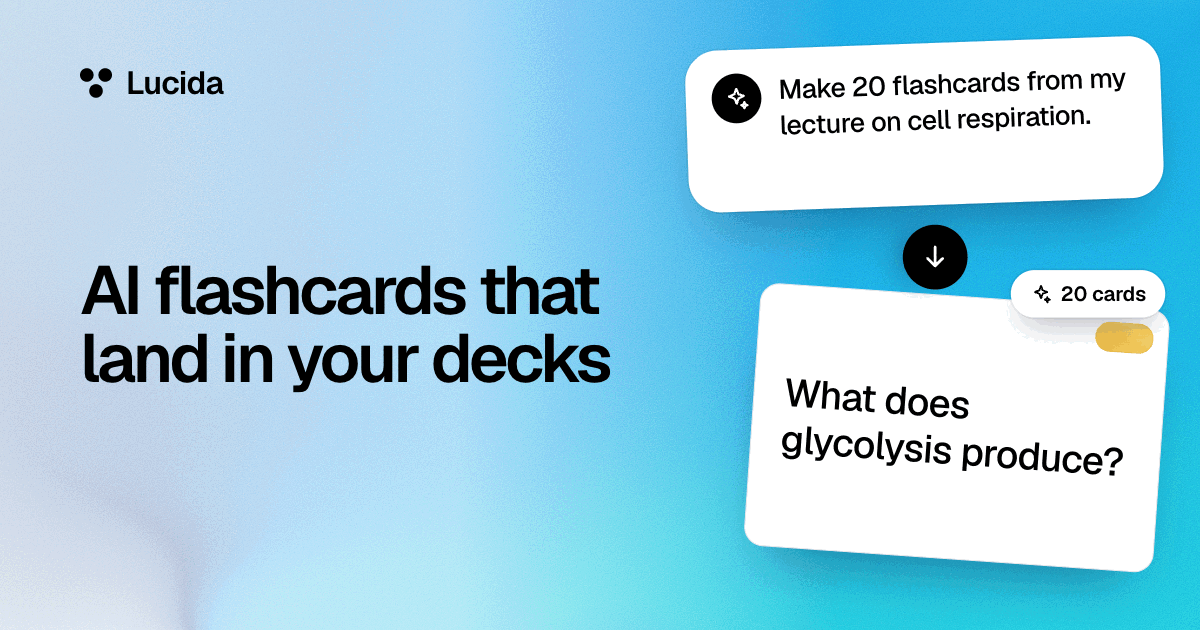
In Lucida, choose Make cards and add your slides, a PDF, a recording of the lecture, pictures of your notes or pasted text. You pick the deck, how many cards and whether you want basic or fill-in-the-blank cards, and Lucida shows the new cards first, so you can keep, edit or remove each one.
You can also connect your AI app once (see AI flashcards), then share a lecture or your notes and ask for cards. For medical school, ask your AI for one fact per card, fill-in-the-blank cards for facts inside sentences (a mechanism, a drug’s target), and a one-line why in each note. Try: “Make flashcards from this lecture for my Pharmacology deck. One fact per card. Use fill-in-the-blank for mechanisms and side effects, and add a one-line why. Tag each card with its drug family.”
Read every card before you study it. Lucida shows the cards it makes before they are saved, and with your own AI you can turn on Let me check AI cards first. Lucida’s terms say not to rely on Lucida for medical advice. In one 2026 test of cards written from a reader’s highlights (a different job from studying for a course), even the best model made cards its authors rated unusable 36% of the time. For medical facts, check the cards against your course material.
Image occlusion for anatomy, histology and pathways
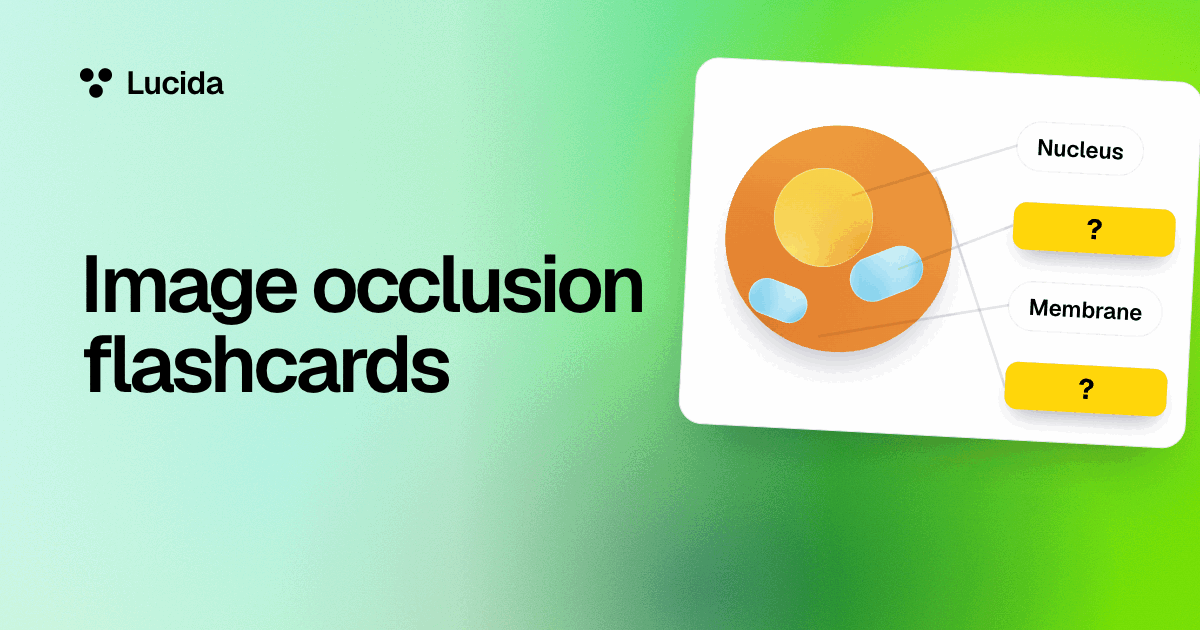
Add a slide or diagram, draw boxes over the labels, and type what’s under each box. Every box is its own card with its own schedule, so you can know one structure and keep forgetting another. Choose Hide one to keep the rest of the picture as context, or Hide all to recall without hints. In Learn mode, each box becomes a multiple choice question with the picture’s other labels as the choices. A picture holds up to 30 boxes.
Piotr Wozniak’s twenty rules of formulating knowledge say obstructing parts of a picture is great for learning anatomy (rule 8). On Free, up to 100 cards can have a picture or a sound, and a picture with many boxes counts once. Only use pictures you have the right to use. See image occlusion.
Plan the schedule around your exams
- NowPut an exam date on each deckPro
- 30 days outEarly reviews beginCards you’d probably forget by exam day come up early
- Exam dayStats shows how much you’d remember
- New cards a day starts at 20. Raise it slowly: each new card adds reviews later, and Anki’s manual warns that adding new cards while you’re behind can make a backlog worse.
- Tag your cards by system or topic (cardio, renal, biostatistics). Tags give you Learn mode sets, and on Pro the Stats page ranks tags by how much you remember (a tag needs about 8 reviews first) and lists your hardest cards and the cards you keep forgetting.
- Put an exam date on each deck (Pro). From 30 days out, cards you’d probably forget by exam day come up early, and Stats shows how much of the deck you’d likely remember on the day.
- Let your AI quiz you on weak spots (Pro). It can read your weak tags and hardest cards and write new questions for them.
- On Free, your Library shows what’s due and how long it takes, which is enough to pick a pace. The Stats page is part of Pro.
Bring the cards you already have
You can import cards from Anki’s Notes in Plain Text export, from Quizlet’s export, or from a CSV file. Review history, pictures, sounds and tags don’t come along, and Lucida can’t open .apkg files (see importing). Decks like the AnKing Step Deck are built for Anki and delivered through AnkiHub, which works with Anki, so Lucida can’t use them directly.
What Lucida doesn’t have
- No .apkg import and no Anki add-ons, so no direct use of big Anki decks that depend on them.
- No built-in medical content and no question bank. It’s a flashcard tool, and you bring or make the content.
- Text imports drop pictures, sounds, tags and review history.
- Math and chemistry formulas are basic: powers, subscripts, fractions, roots and Greek letters, but not full equation layout. Use a picture card for structures.
- Image occlusion boxes are rectangles only.
- It needs an internet connection, and the native iPhone app isn’t on the App Store yet.
Test yourself
Show the answerShow the questionWhat went with about one more Step 1 point in the 2015 survey?Each extra 445 board-style practice questions, or 1,700 unique Anki flashcards. The authors called the study exploratory.
Show the answerShow the questionDoes the 2026 review show that Anki use causes higher Step 1 scores?No. The evidence is largely observational, so it shows a link, not a cause.
Show the answerShow the questionIs image occlusion free, and how many boxes can one picture hold?Yes, it’s free. A picture holds up to 30 boxes, and each box is its own card with its own schedule.
Show the answerShow the questionCan Lucida open Anki’s .apkg decks or run Anki add-ons?No. It fits best if you make your own cards instead of studying someone else’s mega-deck.
Questions
Is Anki necessary for med school or Step 1?
No rule says so. Studies link flashcard use with higher Step 1 scores, but they’re observational, and practice questions show a similar link. Use what gets you recalling and testing yourself often.
Is Lucida an Anki alternative for medical students?
It can be if you make your own cards: AI-made cards from lectures, FSRS, image occlusion and exam dates. It isn’t if your plan depends on .apkg decks or Anki add-ons. For a full comparison, see Lucida vs Anki.
How many new cards a day should I do in med school?
There’s no evidence-based number. Lucida starts at 20. Raise it slowly while your daily reviews stay doable. Anki’s manual estimates that 20 new cards a day settles at roughly 200 reviews a day.
Does Lucida have image occlusion for anatomy?
Yes, and it’s free. Draw boxes over the labels on a picture, and each box becomes a card. See image occlusion.
Can I use the AnKing deck or other premade Anki decks?
Not directly. The AnKing Step Deck is delivered through AnkiHub for use in Anki, and Lucida can’t open .apkg files. A text export from Anki can be imported, but it drops pictures, tags and review history. If your plan depends on a big premade Anki deck, Anki is the better fit.
Can Lucida make cards from my lecture slides or recordings itself?
Yes. Choose Make cards and add your slides (PowerPoint or PDF), a lecture recording, pictures of your notes or pasted text. Lucida shows the new cards first. Free allows 3 makes a day, each up to 30 pages or 15 minutes of recording or video.
Can I make cards from lecture slides with ChatGPT or Claude?
Yes. Attach the slides in your AI app and ask for cards, and it adds them to your Lucida decks. Read them before you study. See AI flashcards.
Is Lucida free for medical students?
Yes. Unlimited decks and cards, FSRS, Learn mode, image occlusion, sharing and live games are free. Pro ($5.99 a month or $49.99 a year, as of September 2026) adds Stats, exam dates and more.
Are AI-made medical flashcards accurate?
Not always. Lucida’s terms say AI apps can make mistakes and not to rely on Lucida for medical advice. Check cards against your course material. Lucida shows the cards it makes before they are saved, and with your own AI you can use Let me check AI cards first.
Does this work for the MCAT too?
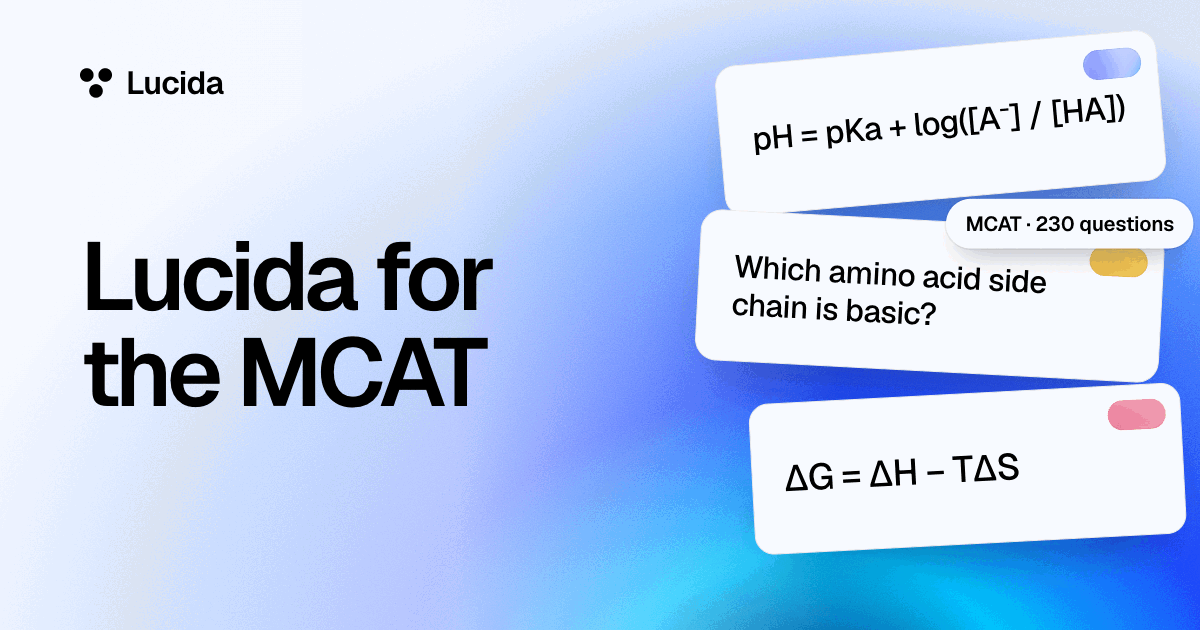
Yes, with the same tools. See Lucida for the MCAT for what flashcards can and can’t do for that exam.
Keep reading
Sources (8)
The pages this one was written from, and the day each was checked.
- Deng, Gluckstein and Larsen (2015), Student-directed retrieval practice is a predictor of medical licensing examination performance, Perspectives on Medical Education · checked September 30, 2026
- Frappa and others (2026), Anki Use and Academic Performance in Medical Education: A Systematic Review, Medical Science Educator · checked September 30, 2026
- Wozniak (1999), Twenty rules of formulating knowledge, SuperMemo · checked September 30, 2026
- Kirkby and Matuschak (2026), Can LLMs create lasting flashcards from readers’ highlights? (Memory Machines) · checked September 30, 2026
- Anki Manual: Deck options · checked September 30, 2026
- AnkiHub: AnKing Step Deck · checked September 30, 2026
- Lucida Terms of Service (updated September 24, 2026) · checked September 30, 2026
- Lucida pricing (what Free and Pro include, as of September 2026) · checked October 1, 2026