Learn mode
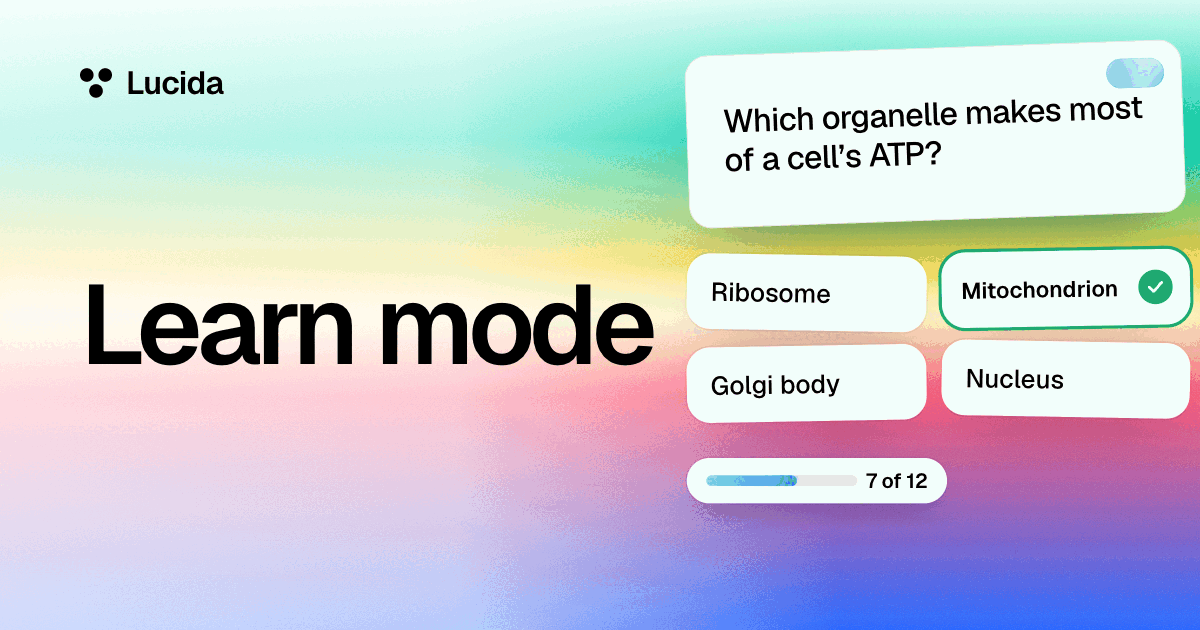
Learn mode quizzes you on a deck with multiple choice, true or false, matching, fill-in-the-blank and type-the-answer questions, and keeps going until you’ve got every card right twice in a row. It’s free, it needs no AI subscription, and when you finish, new cards start their spaced repetition schedule.
On this page
At a glance
| Question | What you do | When Learn mode uses it |
|---|---|---|
| Multiple choice | Pick the right answer from up to four | Any card with an answer. The wrong choices are other cards’ answers from the same deck, or ones your AI wrote |
| True or false | Decide whether a statement is right | When there’s another answer to use as the false statement, or your AI wrote one |
| Matching | Pair up to five questions with their answers | Short cards (a question up to 70 characters and an answer up to 60), when at least four are still being learned |
| Fill in the blank | Choose the word that belongs in the gap | Fill-in-the-blank cards |
| Type the answer | Type it. Capital letters, accents, a missing “the” and a small typo are forgiven | Answers up to 40 characters. It’s off until you switch it on |
How a Learn session works, step by step
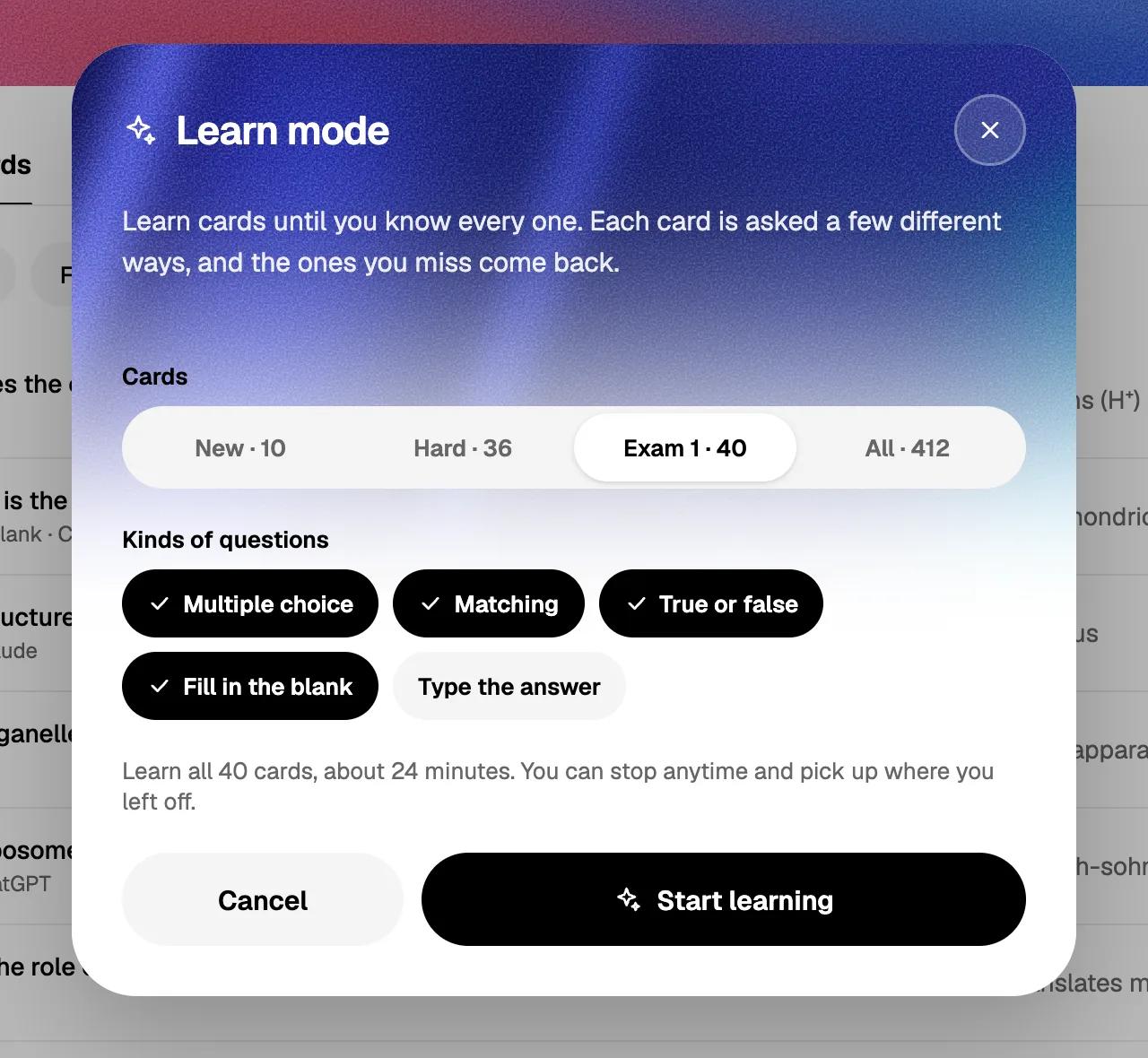
- 1. Pick the cards and the question types. Open a deck and choose Learn. Choose which cards to learn (new cards, hard cards, the deck’s most-used tag, or all of them) and which kinds of questions to allow. Multiple choice, matching, true or false and fill in the blank start switched on, and Type the answer starts off. Lucida tells you roughly how long the set will take.
- 2. Answer. Up to 7 cards are in play at a time. Each question is about one card, or, for matching, a few of them together.
- 3. A right answer moves a card along, and a miss sends it back. A card counts as learned after two right answers in a row. Miss one and the card comes back a few questions later, and its streak starts again.
- 4. Watch the bar. The bar at the top shows how many cards are learned, how many are in progress, and how many you haven’t seen yet.
- 5. Finish. When every card is learned, the cards that were new get their first review (Good, or Hard if you missed them on the way), so spaced repetition takes over from there.
- 6. Stop and come back. An unfinished session is saved on the device you’re using, in its browser, so you can pick it up later. It doesn’t follow you to another device.
- Not seen yet
- In progress
- LearnedTwo right answers in a row
Miss one and the card comes back a few questions later, and its streak starts over.
Where the questions come from
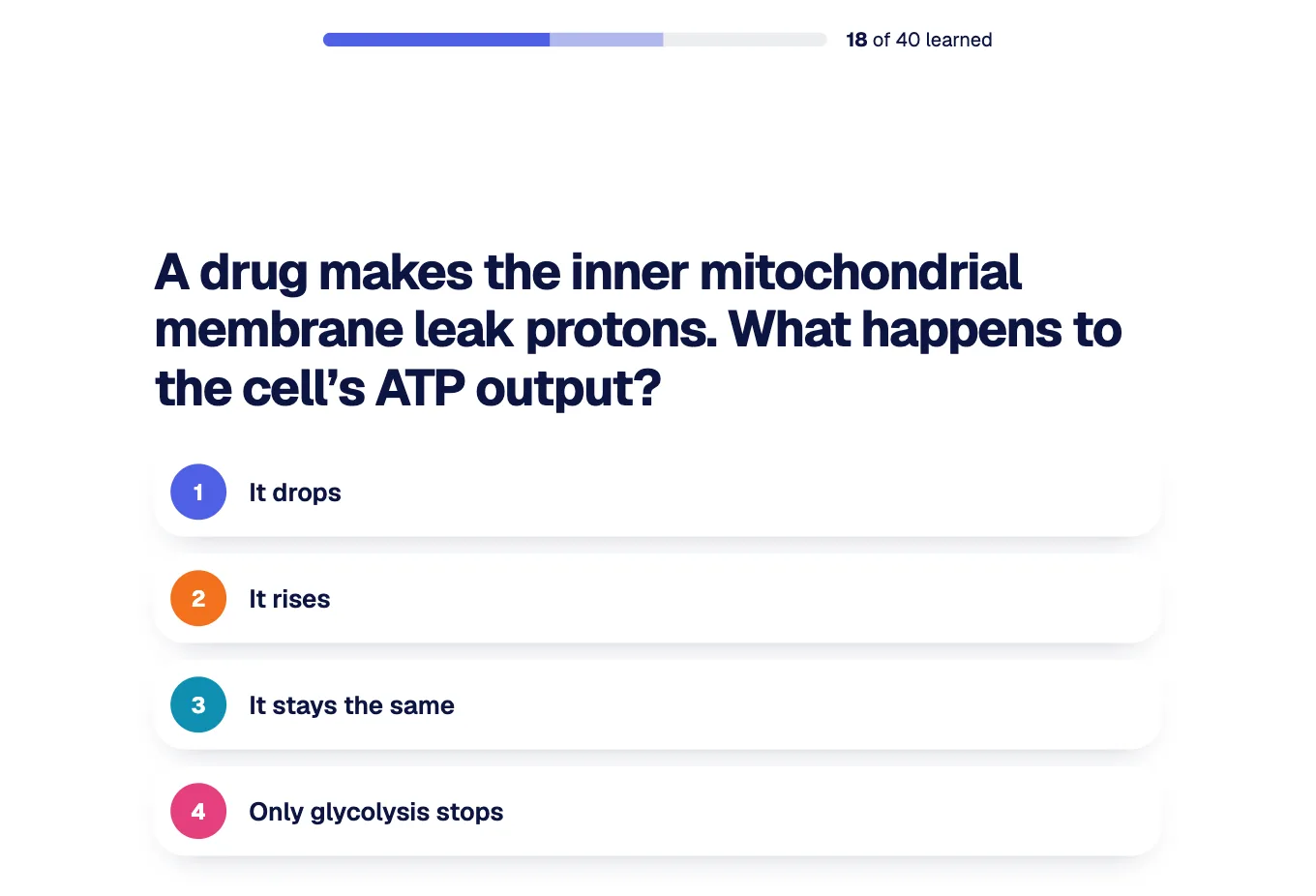
Lucida writes the questions from your cards. For a multiple choice question, the other answers in the same deck become the wrong choices, picked to be about as long as the right one. If your AI has written quiz questions for a card (see AI flashcards), Learn mode uses those about four times in five. They can ask about cause and effect instead of repeating the card, and each comes with a short why.
Learn mode needs no paid service to run, because the questions come from your cards and from your own AI. After you answer, you can tap Explain for a short explanation of why the answer is right.
Picture, blank and sound cards
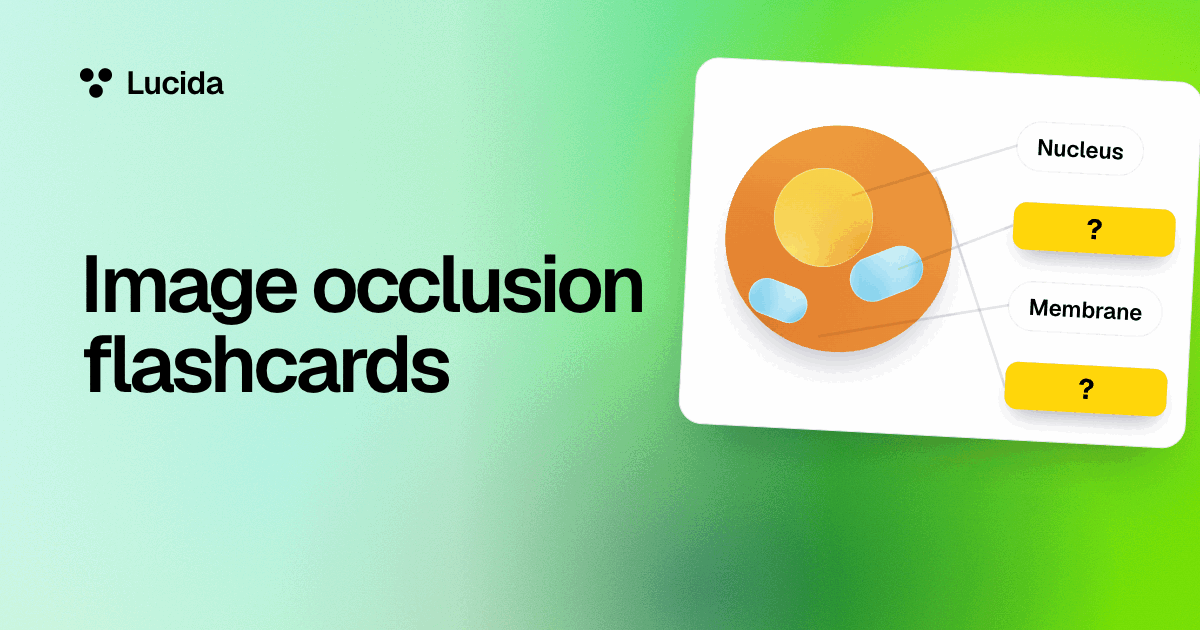
Fill-in-the-blank cards become “which word goes here?” questions. A picture with hidden boxes asks “What’s under box 2?” and offers the picture’s other labels as the choices (see image occlusion). A box with no label is skipped, because there’s no answer to check. Sound cards aren’t used in Learn mode.
Learn mode or flashcard review?
Flashcard review is where spaced repetition happens: you see a card, recall it, and say how well you knew it. Learn mode is for getting material into your head, because it asks several ways in one sitting and then hands new cards to the schedule.
For cards you’ve already studied, Learn mode answers don’t change when a card comes back. They do go into your stats. Try Learn mode when a deck is new, or shortly before a test to check what you know with a different kind of question. Both are forms of practice testing, which a 2013 review of ten study techniques rated as high utility. In Roediger and Karpicke’s 2006 experiments, students who tested themselves remembered more after two days and a week than students who restudied the material.
Settings
The gear at the top opens Learn settings, where you can pick what shows behind the questions: a plain page (the default), the deck’s own colors, sky, sunset, or a photo. The same background is used for flashcard review and live games.
What Learn mode doesn’t do
- It doesn’t sync an unfinished session between devices.
- It skips sound cards.
- Type-the-answer forgives accents and small typos, so it tests recall, not spelling.
- It needs an internet connection, like the rest of Lucida.
Test yourself
Show the answerShow the questionIs Learn mode free?Yes. It’s part of Lucida’s free plan, and it needs no paid service to run.
Show the answerShow the questionHow many right answers in a row count a card as learned?Two. Miss one and the card comes back a few questions later, and its streak starts again.
Show the answerShow the questionWhich question type is off until you switch it on?Type the answer. It’s used for answers up to 40 characters, and it forgives accents and small typos.
Show the answerShow the questionDoes an unfinished Learn session follow you to another device?No. It’s saved on the device you’re using, in its browser, so you can pick it up later.
Questions
What is Learn mode?
Learn mode is a quiz on your own cards. It asks each card in different ways (multiple choice, true or false, matching, fill in the blank, type the answer) until you’ve answered it right twice in a row.
Is Learn mode free?
Yes. Learn mode is part of Lucida’s free plan, and it needs no AI subscription.
Does Learn mode use spaced repetition?
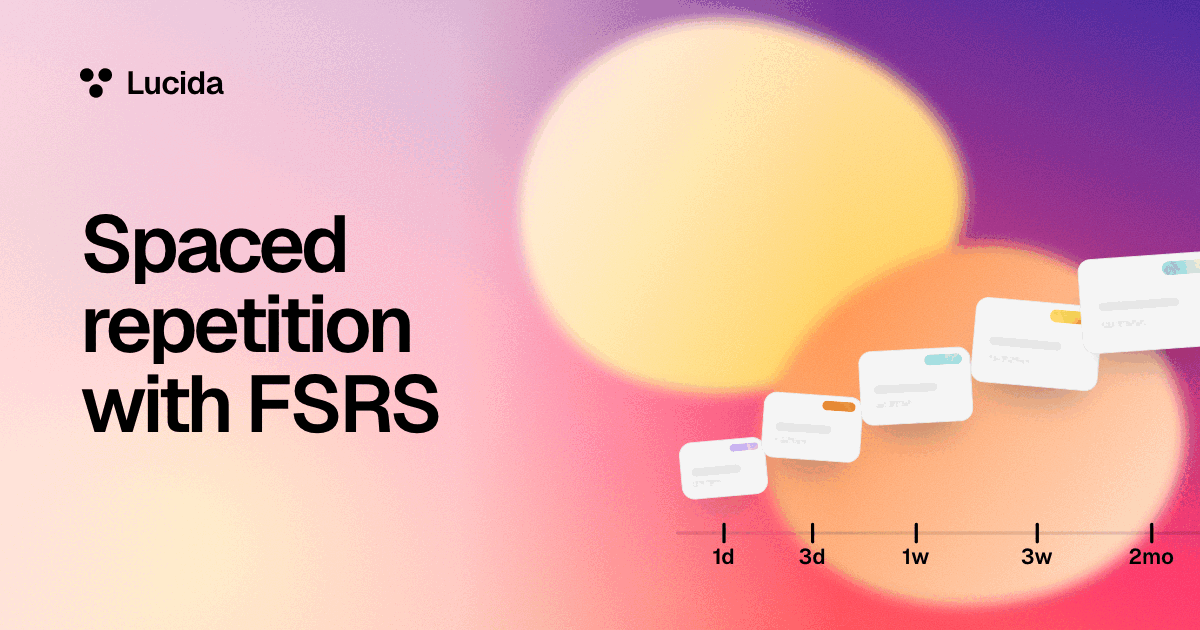
Not while you’re in it: it asks until each card is right twice in a row. When you finish, cards that were new get their first review, and the normal FSRS schedule takes over.
Which cards can I learn?
New cards, hard cards, the deck’s most-used tag, or all cards. You also choose which kinds of questions to allow.
Can my AI write Learn mode questions?
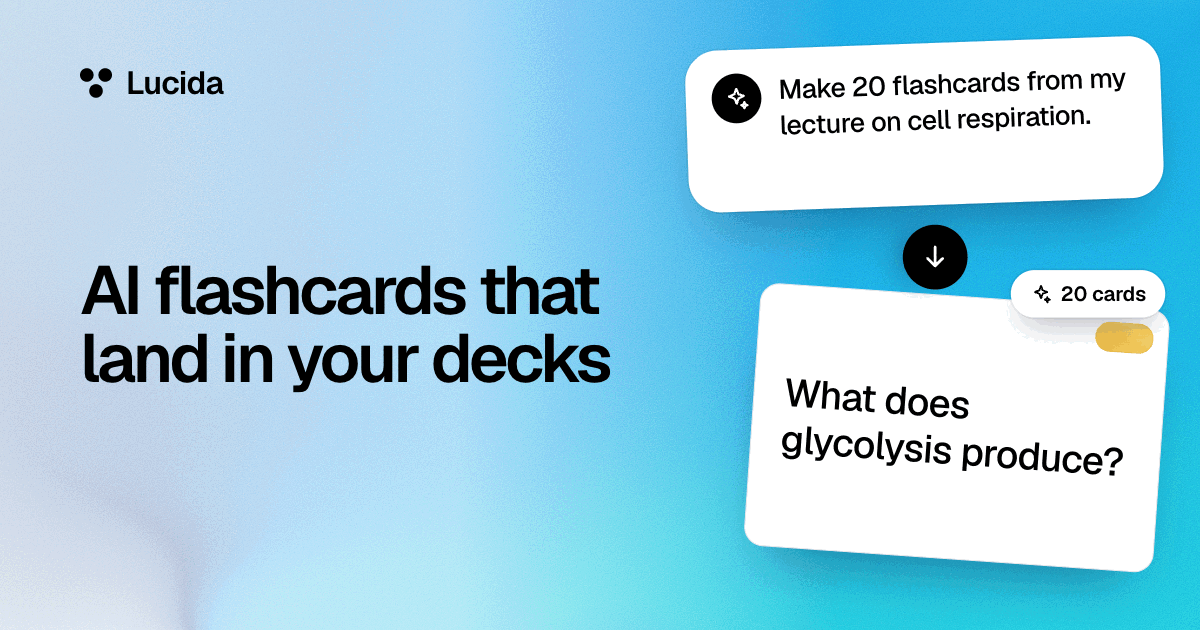
Yes. Your AI can write multiple choice and true-or-false questions for your cards, each with a short why, and Learn mode uses them when a card has them. Without them, Learn mode builds questions from your cards.
What happens if I stop in the middle?
The session is saved on that device, in its browser. Open Learn mode there again to carry on. It doesn’t sync to other devices.
Can I use Learn mode on my phone?
Yes, in your phone’s browser, which gets a phone layout. The native iPhone app isn’t on the App Store yet.
Does Learn mode work for learning languages?
Yes for text cards. Sound cards are skipped, and the type-the-answer question forgives accents and small typos, so it’s for recall, not spelling drills.
I’m coming from Quizlet. Is Learn mode the same?
Lucida’s Learn mode is free, and it quizzes you on your own cards in several ways until you know them. For a side-by-side with sources, see Lucida vs Quizlet.
Keep reading
Sources (3)
The pages this one was written from, and the day each was checked.
- Dunlosky and others (2013), Improving Students’ Learning With Effective Learning Techniques, Psychological Science in the Public Interest (Association for Psychological Science summary) · checked September 30, 2026
- Roediger and Karpicke (2006), Test-enhanced learning: Taking memory tests improves long-term retention, Psychological Science · checked September 30, 2026
- Lucida pricing (what Free and Pro include, as of September 2026) · checked September 30, 2026