Lucida for students
Lucida is a free flashcard app that makes cards from your lectures and notes (or lets your own AI do it), and spaced repetition brings each card back just before you’d forget it, so a few minutes a day add up. Start with one deck for your next exam, then add Learn mode quizzes, friends’ decks and live games when you want them.
On this page
At a glance
| Feature | Free | Pro ($5.99 a month or $49.99 a year) |
|---|---|---|
| Decks and cards | Unlimited | Same |
| Making cards in Lucida | 3 makes a day: up to 30 pages, 15 minutes of recording or video, or 10 pictures each | 30 makes a day: up to 300 pages, 2 hours of recording or video, or 50 pictures each |
| Your own AI makes cards and quizzes | Yes, as many as you want | Same |
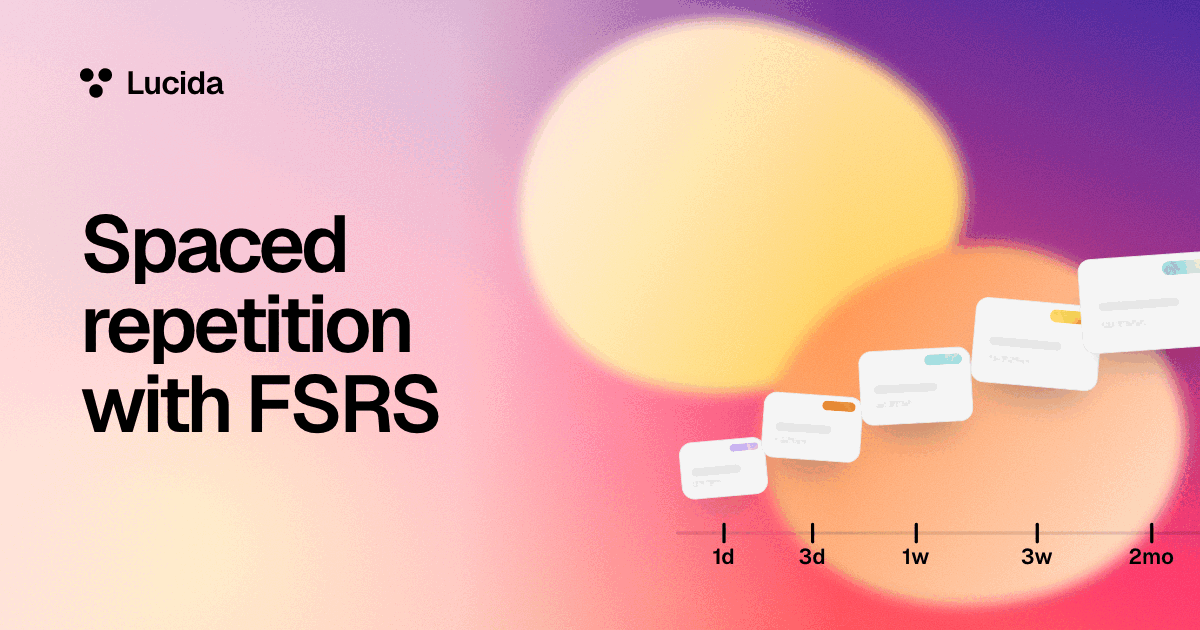
| Spaced repetition (FSRS) | Yes | Adds exam dates and Tune to you |
| Learn mode | Yes | Same |
| Shared decks and live games | Yes | Adds stats on the hardest cards in decks you share |
| Pictures and sounds | Up to 100 | No 100 limit |
| Stats | Streak, reviews, what you remember, cards due each day | Adds weak topics, hardest cards and pace |
| Extras | Light and dark looks | Themes, photo covers, natural voices for AI-made sound cards, more AI explanations |
Show all 9Show fewer
A plan for your next exam, step by step
- 1. Make one deck for the exam. Name it after the course. Add tags for topics, like Week 3 or Enzymes. Tags give you Learn mode sets and, on Pro, weak-topic stats.
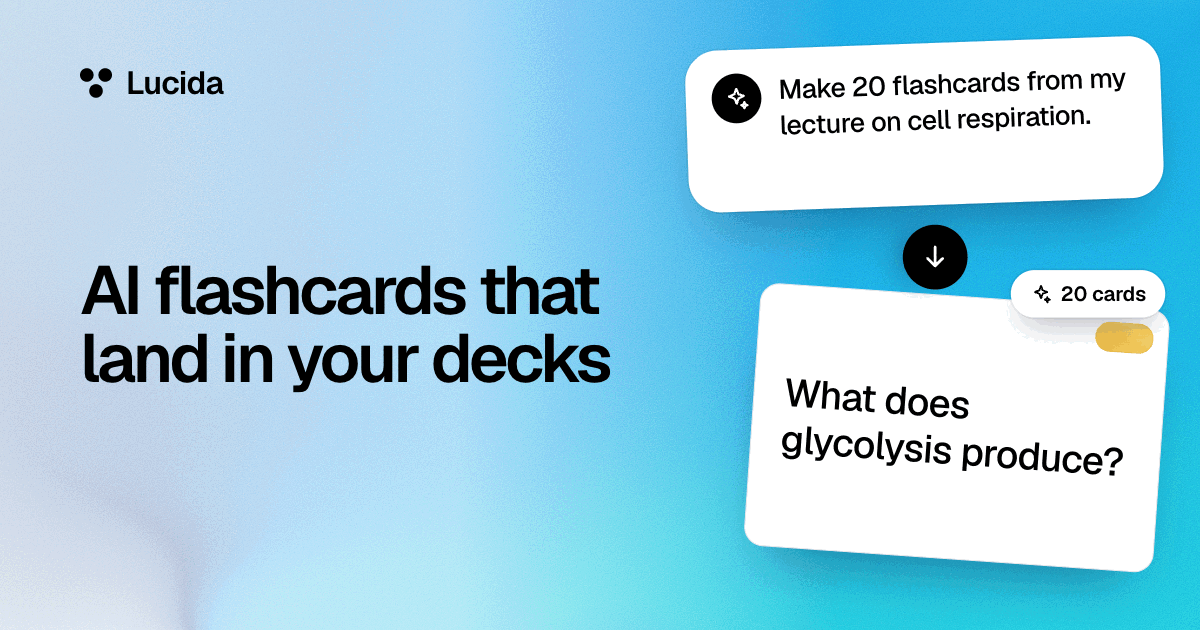
- 2. Get the cards in. Choose Make cards and add your notes, slides, a PDF, pictures or a recording, ask your own AI (Claude, ChatGPT or Cursor) to make them, import them from Quizlet, Anki or a CSV file, or type them. A fill-in-the-blank card is the quickest way to turn a sentence from your notes into a card.
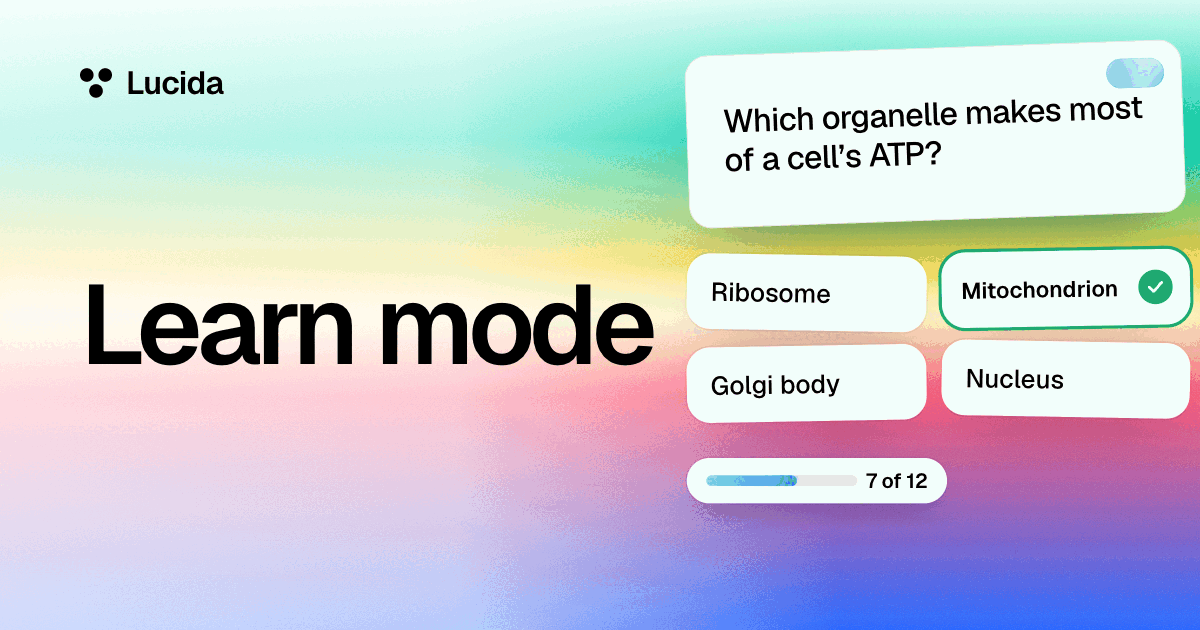
- 3. Learn them. Start with Learn mode. It asks several ways until you’ve got each card right twice in a row, then hands new cards to the schedule.
- 4. Review a little each day. Your Library shows what’s due and how long it will take. Try to answer before you flip.
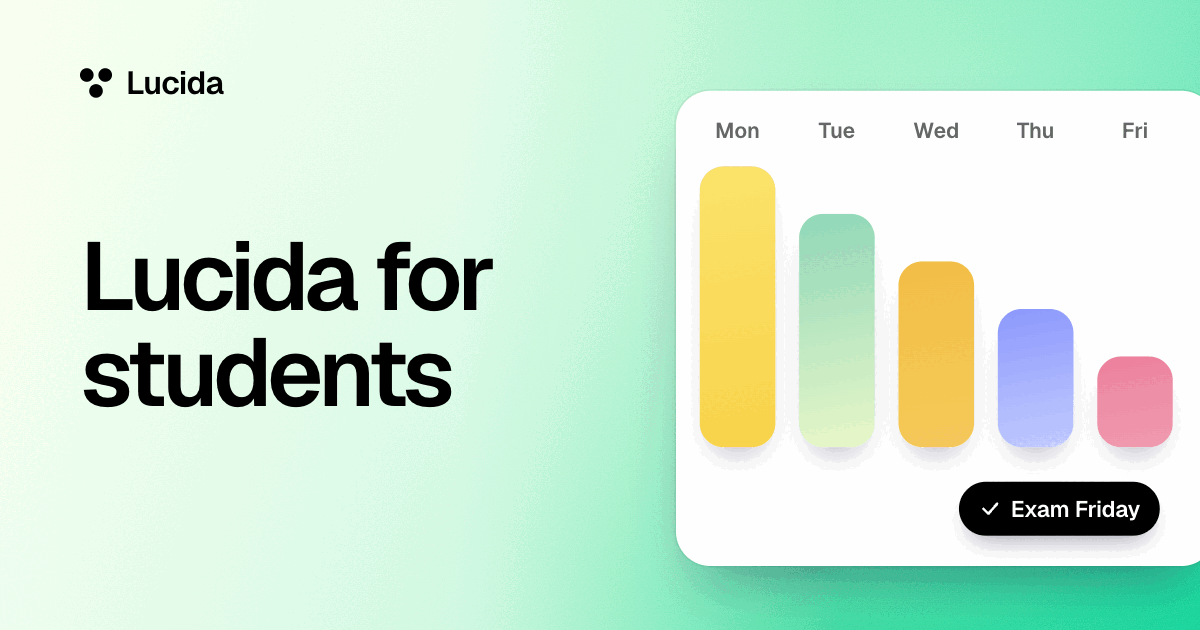
- 5. Set your exam date (Pro). From 30 days out, the cards you’d probably forget by then come up early.
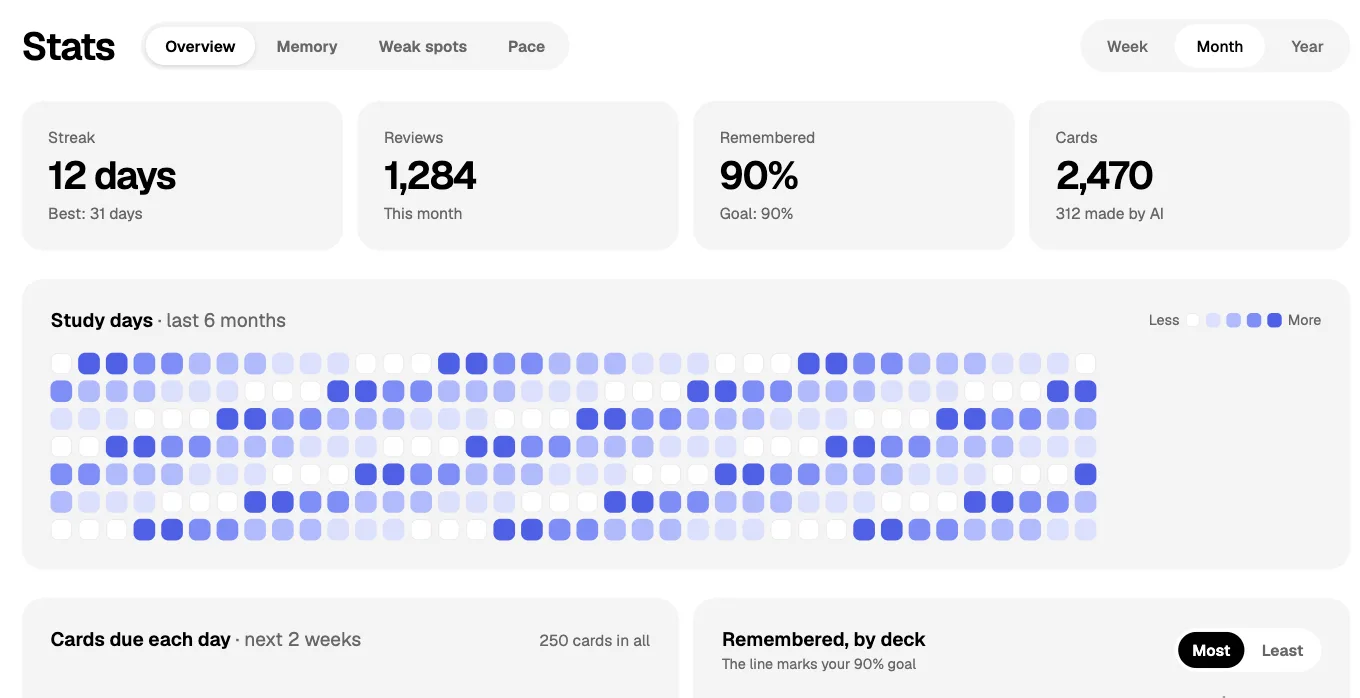
- 6. Look at your stats (Pro). The Stats page shows your streak, your reviews, how much you remember, and what’s due each day, plus the topics you’re weakest at and your hardest cards.
- 7. Practice the real thing too. Flashcards are for recall. For anything you have to work out, use past papers or problem sets.
- TodayMake one deck for the examThen get the cards in
- NextLearn themStart with Learn mode
- Every dayReview a littleYour Library shows what’s due
- 30 days outSet your exam date (Pro)Cards you’d forget come up early
Why flashcards and spacing work, and where they don’t
A review of ten study techniques rated practice testing and spaced practice as high utility (Dunlosky and colleagues, 2013). In Roediger and Karpicke’s 2006 experiments, students who tested themselves remembered much more after two days and a week than students who restudied, even though restudying made them more confident. In Kornell’s flashcard experiments, spacing beat cramming for 90% of the people tested.
Flashcards fit facts, terms, vocabulary, formulas you need to recall, and labeled diagrams. The retrieval practice guide from Agarwal and colleagues says that actually recalling and writing down an answer helps more than flipping the card too early, and Lucida can’t do that part for you.
Study with friends
| Way | What it does |
|---|---|
| Shared decks | Send a deck by link. Friends study it as it is or make a copy, and they can suggest fixes (see shared decks). |
| Live games | Open a room from a deck and your group joins on their phones with a code and no account (see live games). |
On your phone and your laptop
Lucida is a web app: open app.lucida.cards in any browser and sign in with an email code, Google or Apple. Phones get a phone layout. A native iPhone app is being built and isn’t on the App Store yet. Lucida needs an internet connection.
What Lucida won’t do for you
- It doesn’t come with ready-made textbook decks. You make cards, with Lucida, your own AI or by hand, or find decks other students shared.
- It doesn’t make cards from a web page address. Paste the page’s text, or save the page as a PDF and add that.
- AI-made cards can be wrong. Check them, especially before an exam. Lucida’s terms say the same.
Test yourself
Show the answerShow the questionWhat does Lucida Pro cost?$5.99 a month or $49.99 a year, as of September 2026. The pricing page has no separate student plan.
Show the answerShow the questionHow many pictures and sounds does the Free plan include?Up to 100. Pro has no 100 limit.
Show the answerShow the questionWhat should you use, besides flashcards, for anything you have to work out?Past papers or problem sets. Flashcards are for recall.
Show the answerShow the questionWhich students remembered more in Roediger and Karpicke’s 2006 experiments?Students who tested themselves remembered much more after two days and a week than students who restudied.
Questions
What is the best flashcard app for students?
It depends on what you need. Lucida suits students who want an AI to draft cards from their own notes, FSRS scheduling, Learn mode and live games, free. If you rely on huge ready-made Anki decks, see Lucida vs Anki. If you study from Quizlet sets, see Lucida vs Quizlet.
Is Lucida free for students?
Yes. Unlimited decks and cards, spaced repetition, Learn mode, sharing and live games are free. The pricing page has a free plan and Pro ($5.99 a month or $49.99 a year, as of September 2026), and no separate student plan.
How many flashcards should I study a day?
Start with Lucida’s 20 new cards a day and watch how many reviews come due. Each new card adds reviews later, so cut back if the list grows. Anki’s manual estimates that 20 new cards a day settles at roughly 200 reviews a day.
How do I make flashcards from my lecture notes?
Choose Make cards in Lucida and add your notes: a PDF, slides, a Word file, a lecture’s captions, pictures of your notes, a recording or pasted text. Lucida shows the new cards first, and you keep, edit or remove each one. Or connect your own AI app with your Lucida link, share your notes and ask for flashcards, or paste or import your own cards. See AI flashcards.
Are flashcards or practice tests better?
Both are practice testing, which research rates as high utility. Flashcards suit facts and terms, and practice tests suit applying what you know, so use flashcards for recall and past papers for problems.
How long should I study each day?
Short and often beats long and rarely. In Kornell’s flashcard experiments, spreading study out beat cramming for 90% of the people tested. Lucida’s Library shows how long your due cards will take.
Can I use Lucida on my phone?
Yes, in your phone’s browser, which gets a phone layout. The native iPhone app isn’t on the App Store yet, and Lucida needs an internet connection.
Do I need a ChatGPT or Claude subscription?
No. You can make cards in Lucida (3 makes a day on Free), type them, import them, or study shared decks without any AI subscription. To have your own AI app make cards, you need an AI app that can add your Lucida link. Claude’s free plan allows one custom connector, and ChatGPT’s developer mode is for paid accounts.
I already have Quizlet sets or Anki decks. Can I bring them?
Yes, through text exports: Anki’s Notes in Plain Text, Quizlet’s Export, or a CSV file. Pictures, sounds and review history don’t come along. See importing.
Keep reading
Sources (9)
The pages this one was written from, and the day each was checked.
- Dunlosky and others (2013), Improving Students’ Learning With Effective Learning Techniques, Psychological Science in the Public Interest (Association for Psychological Science summary) · checked September 30, 2026
- Roediger and Karpicke (2006), Test-enhanced learning: Taking memory tests improves long-term retention, Psychological Science · checked September 30, 2026
- Kornell (2009), Optimising learning using flashcards: Spacing is more effective than cramming, Applied Cognitive Psychology · checked September 30, 2026
- Agarwal, Roediger, McDaniel and McDermott (2020), How to Use Retrieval Practice to Improve Learning, retrievalpractice.org · checked September 30, 2026
- Anki Manual: Deck options · checked September 30, 2026
- Claude documentation: Add a connector that isn’t in the directory · checked September 30, 2026
- OpenAI documentation: ChatGPT developer mode · checked September 30, 2026
- Lucida pricing (what Free and Pro include, as of September 2026) · checked October 1, 2026
- Lucida Terms of Service (updated September 24, 2026) · checked September 30, 2026