Live games
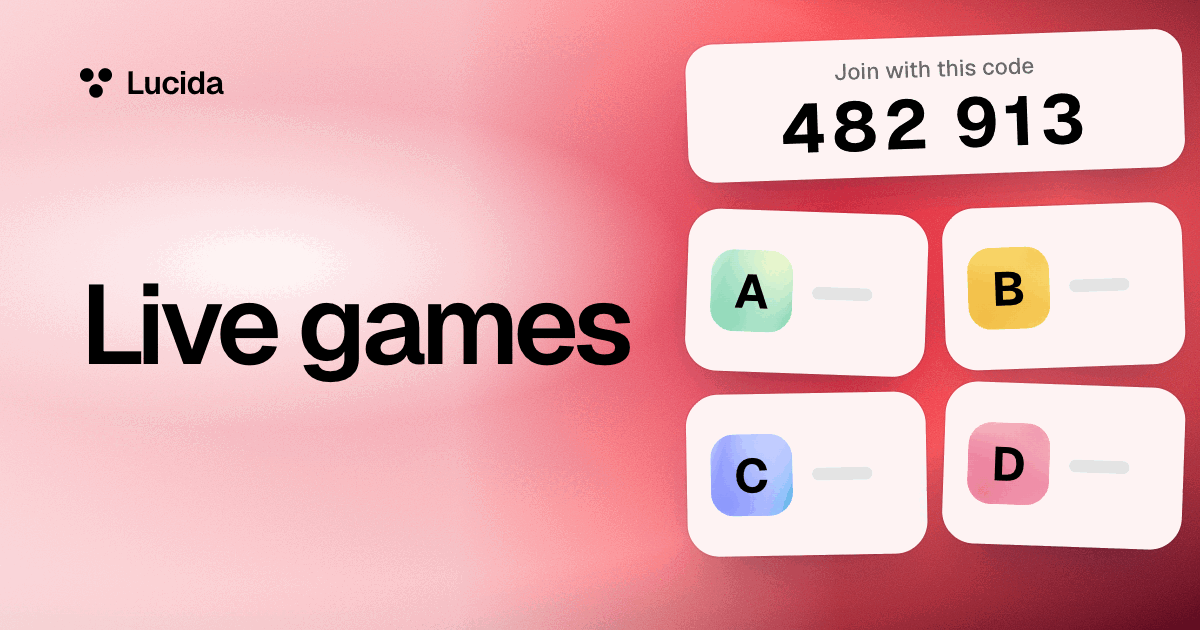
Live turns any deck into a quiz game: you host on a computer, your friends or students join on their phones with a 6-digit code and no account, and everyone answers the same questions for points. It’s free, it takes up to 60 players, and the questions come from your own cards or from a topic you type.
On this page
At a glance
| Feature | How it works |
|---|---|
| Who hosts | A signed-in person, from a deck or a typed topic, on a computer (the big screen) |
| Who plays | Anyone with the code, on a phone or any browser, with no account. Up to 60 players, each with a name of up to 20 characters |
| Questions | From a deck: 5, 10 or 20 questions from new cards, hard cards, a tag, or all cards. From a topic: about 10, written by Lucida |
| Time for each | 10, 20 or 30 seconds |
| Question type | Multiple choice with up to four answers |
| Points | 500 for a right answer, plus up to 500 more for answering fast |
| After each question | The right answer lifts, each answer shows how many picked it, and a leaderboard follows |
| At the end | A podium on the big screen and the final leaderboard on every phone |
Show all 8Show fewer
Run a game, step by step
- 1. Open a deck on a computer and choose Play live. Pick which cards, how many questions (5, 10 or 20) and the time for each (10, 20 or 30 seconds), then choose Open the room.
- 2. Put the code on the big screen. Lucida shows a 6-digit code and a QR code. Players go to lucida.cards/join, or scan the QR code, then type the code and a name.
- 3. Start when the lobby is full. Names appear as people join.
- 4. Play each question. A timer runs. When everyone here has answered, or time is up, the right answer lifts and the screen shows how many picked each answer.
- 5. Watch the leaderboard. It shows after each question, a podium follows the last one, and the final leaderboard appears on every phone.
- 6. Play again with the same room and the same people, new questions, and everyone back at zero.
- 1MMaya3,420
- 2JJordan3,210
- 3KKai2,980
How the points work
A right answer is worth 500 points, plus up to 500 more depending on how fast you answered (rounded to tens). A wrong answer, or no answer, is worth nothing. The leaderboard goes by most points, then most right answers, then who joined first. From two right answers in a row, a streak shows on your phone.
Where the questions come from
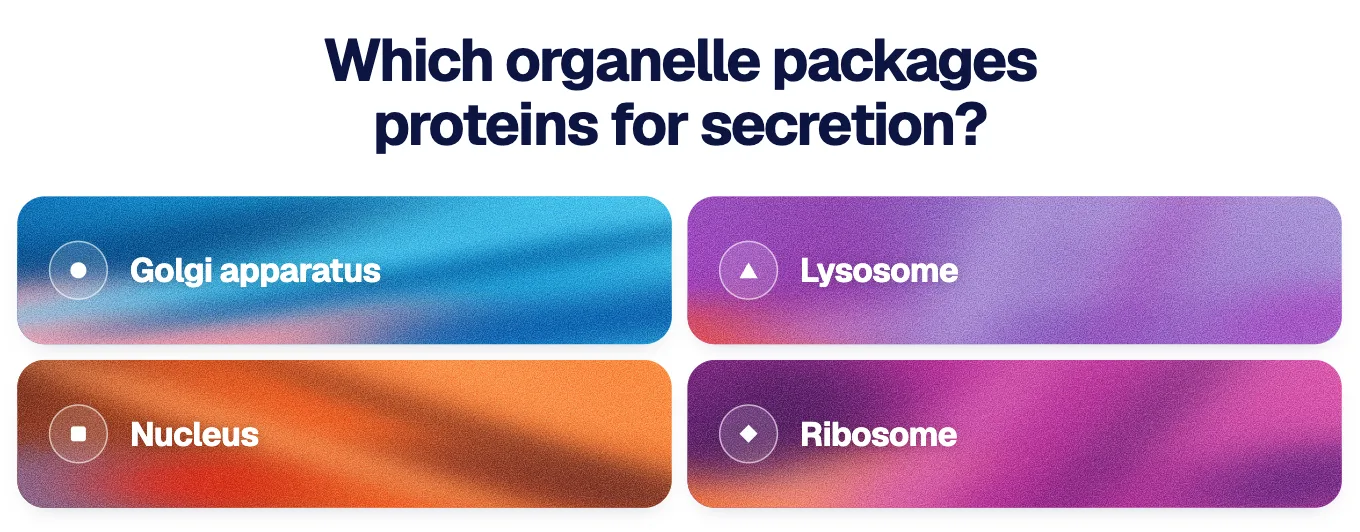
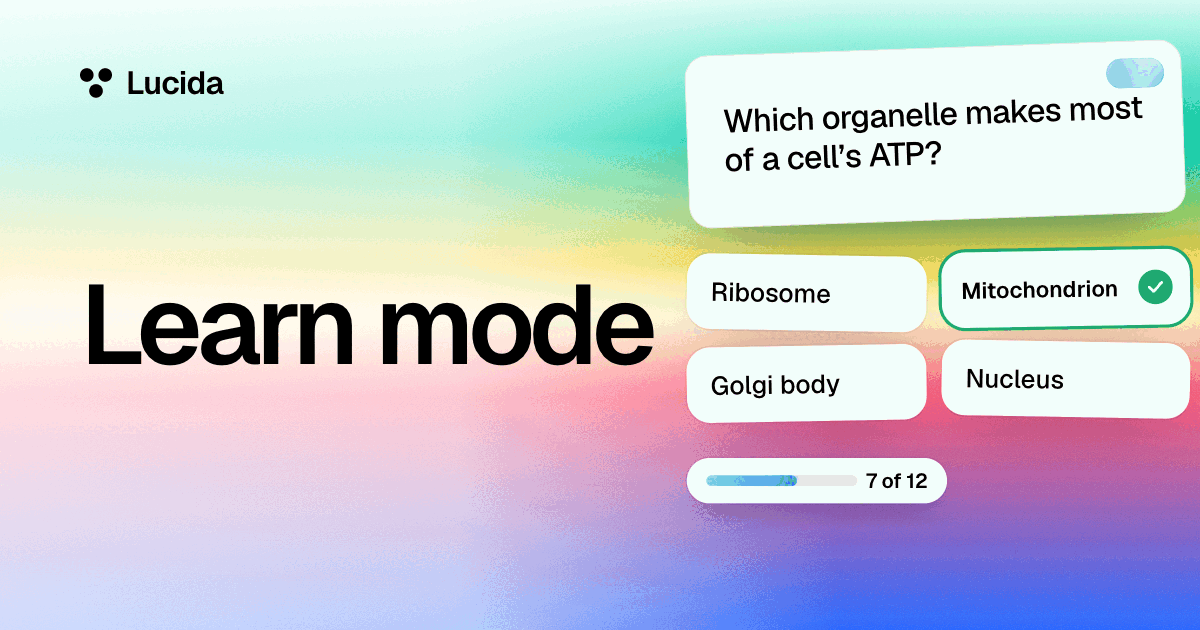
In a game from a deck, they’re made the way Learn mode makes them (see Learn mode). Each question comes from one card, with other answers from the deck as the wrong choices, or from the multiple choice questions your AI wrote for that card. A card is used when it has AI-written questions or when the deck has at least two different answers.
Picture cards show their picture on the big screen, with the asked box highlighted. Phones show the question and the answers only. Sound cards aren’t used, because a room can’t all hear one phone.
A game can also start from a topic you type instead of a deck. Lucida writes about 10 questions, and afterwards Save as a deck keeps them.
Joining, rejoining and leaving
Players need no account, only the code and a name. If a phone reloads, or the same name joins from another phone, it gets its points back. Someone who joins in the middle plays from the next question. A name someone in the room is already using is turned away.
The host’s page runs the game, so keep that tab open. A reload picks up where it was. If the host is gone for more than about 30 seconds, phones say the game ended. A room’s code holds for three hours after the game opens.
Good for study groups and review days
Use Live for a study group, a family quiz, a review round before a test, or a review day at school. A teacher can open a room from any deck of theirs and show the code on the big screen. Low-stakes quizzes in school lessons raised scores on chapter and semester exams in three experiments with sixth graders (Roediger and colleagues, 2011), and the retrieval practice guide from Agarwal and colleagues advises keeping them low-stakes. So keep the points for fun, not for grades.
What to know first
- Hosting needs an account and a computer for the big screen. Players use phones.
- A room holds up to 60 players.
- Everyone needs an internet connection: the game runs between the browsers over a live connection.
- Live isn’t graded and doesn’t save a report for teachers.
- A game from a topic counts as one of your daily makes: 3 a day on Free, 30 on Pro.
Test yourself
Show the answerShow the questionIs Live free, and how many players can a room hold?Yes, it’s free. A room holds up to 60 players.
Show the answerShow the questionWhat do players need to join a live game?A 6-digit code and a name. They need no account.
Show the answerShow the questionHow many points is a right answer worth in Live?500 points, plus up to 500 more for answering fast. A wrong answer, or no answer, is worth nothing.
Show the answerShow the questionDoes Live grade players or save a report for teachers?No. Live isn’t graded and doesn’t save a report for teachers.
Questions
Is Lucida Live free?
Yes. Live games are part of Lucida’s free plan. A game started from a topic counts as one of your daily makes (3 a day on Free).
Do players need an account?
No. Players only need the 6-digit code and a name. The host needs a Lucida account.
How many people can play?
Up to 60 in one room.
Can I use my own flashcards for a live quiz?
Yes. Any deck of yours can be played live. The questions come from your cards, with other answers from the deck as the wrong choices, or from questions your AI wrote.
Can I play a live game without a deck?
Yes. Start a game from a topic you type, and Lucida writes about 10 questions. Afterwards, Save as a deck keeps the questions. It counts as one of your daily makes (3 a day on Free, 30 on Pro).
How are points worked out?
A right answer is worth 500 points plus up to 500 more for speed. A wrong or missing answer is worth nothing. Ties go to whoever has more right answers, then to whoever joined first.
Can I host from my phone?
Hosting is from a computer, which shows the big screen. Players join on their phones.
What if a player’s phone drops out?
Reloading the page, or joining again with the same name, gets their points back.
Is this a Kahoot alternative?
It’s a similar game: players join with a code, answer against a timer, and see a leaderboard and podium. For a side-by-side with sources, see Lucida vs Kahoot.
Which cards work in a live game?
Text, fill-in-the-blank and picture cards. Sound cards are skipped.
Keep reading
Sources (3)
The pages this one was written from, and the day each was checked.
- Roediger, Agarwal, McDaniel and McDermott (2011), Test-enhanced learning in the classroom: Long-term improvements from quizzing, Journal of Experimental Psychology: Applied · checked September 30, 2026
- Agarwal, Roediger, McDaniel and McDermott (2020), How to Use Retrieval Practice to Improve Learning, retrievalpractice.org · checked September 30, 2026
- Lucida pricing (what Free and Pro include, as of September 2026) · checked October 1, 2026