Import flashcards
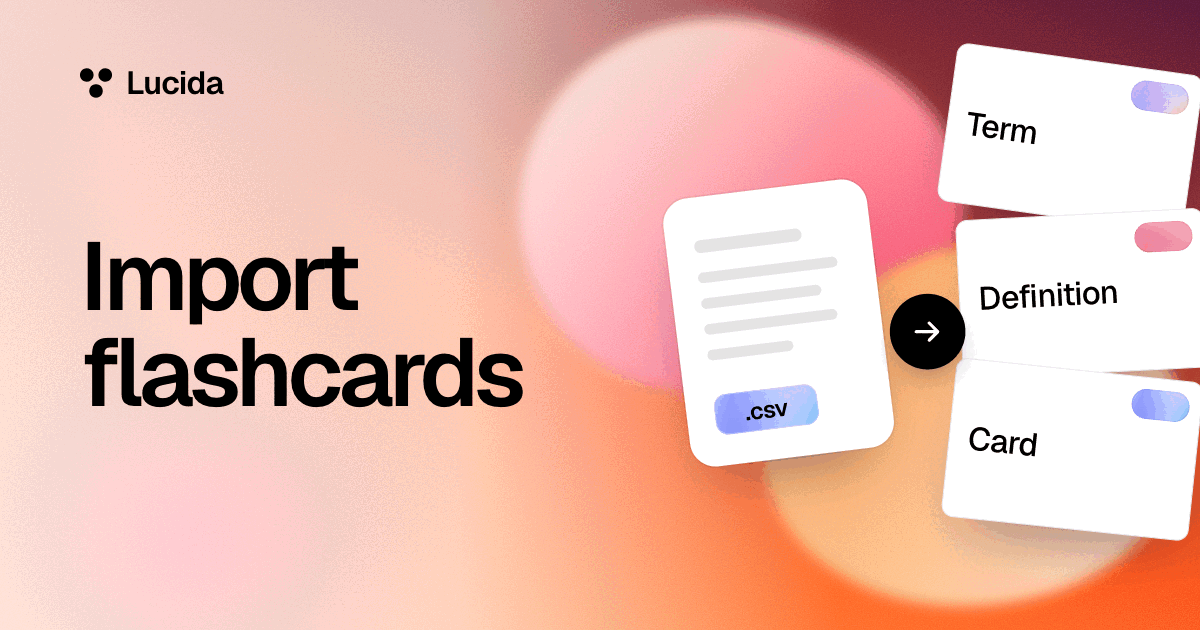
You can import cards into Lucida from Anki’s Notes in Plain Text export, from Quizlet’s Export, from a CSV or TSV file, or by pasting text with one card per line. Lucida can’t open Anki’s .apkg deck files, and imported cards start as new cards, without pictures, sounds, tags or review history.
On this page
At a glance
| From | How | What comes across | What doesn’t |
|---|---|---|---|
| Anki | In Anki, export with Notes in Plain Text. Drop the .txt file into Lucida | Front and back text, bold, italics and line breaks, fill-in-the-blank cards (Anki’s {{c1::word}} becomes a blank), and which deck each card was in | Review history, due dates, pictures, sounds, tags and note types. .apkg and .colpkg files can’t be opened |
| Quizlet | On quizlet.com, open a set you made, then choose Export and Copy text. Paste it into Lucida | Terms and definitions | Pictures, which Quizlet doesn’t export. A set you only copied from someone else can’t be exported from Quizlet |
| A spreadsheet | Put fronts in the first column and backs in the second. Save it as a CSV (or TSV) file | Front and back text. Extra columns are added to the back, separated by commas | Anything else |
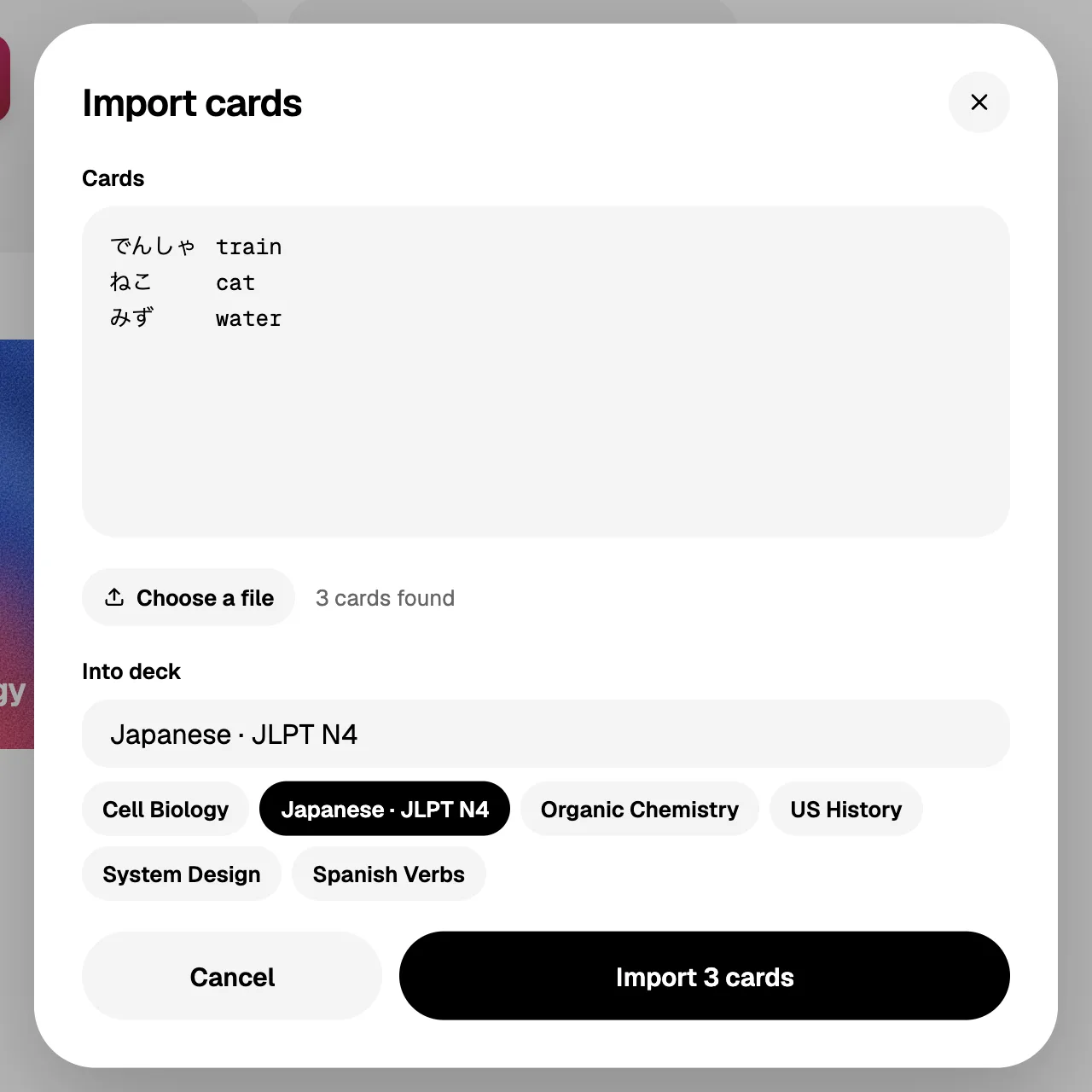
| Pasted text | One card per line: the front, then the back, split by a tab, a comma, a semicolon or a space-dash-space | The same | The same |
Import from Anki, step by step
- AnkiNotes in Plain Text
- QuizletExport, then Copy text
- A spreadsheetA CSV or TSV file
.apkg and .colpkg files don’t come across
- 1. In Anki, choose Export and Notes in Plain Text. On a deck, click the gear, then Export (or use the File menu). Anki writes one note per line, with the fields split by tabs, and keeps formatting such as bold as HTML.
- 2. In Lucida, open Import cards. It’s in Settings, under Your data, and on an empty deck. Drop the file in or choose it. Lucida takes .txt, .csv and .tsv files.
- 3. Check the count. Lucida says how many cards it found. If it finds none, each card needs its front and back on one line.
- 4. Pick the deck and import. Type a new deck name, or choose one of yours.
- About decks. Anki also writes lines that start with # at the top of the file, like #separator:tab and #deck column:3, and Lucida reads them. If your export has a deck column, the first-time setup screen after your first sign-in splits the file into its decks, with a checkbox for each. The Import screen puts everything into the one deck you choose.
Import from Quizlet, step by step
- 1. On quizlet.com, open a set you made. Quizlet’s help page says exporting only works on the website, and only for sets you created. A set you copied from another person can’t be exported.
- 3. In Lucida, open Import cards and paste. Pick a deck and import.
- 4. Add pictures again if you need them. Quizlet says image exports aren’t available because of copyright.
Import from a spreadsheet or pasted text
Put the front in the first column and the back in the second, then save the sheet as CSV. UTF-8 is best: Lucida reads the file as UTF-8, and Anki’s manual asks for it too. You can also paste lines straight into the box.
Lucida splits each line at a tab first. If there’s no tab, it splits at a space-dash-space, and if there’s neither, at a comma or semicolon. A field in “double quotes” can hold a comma. Blank lines and lines starting with # are skipped, and a line without both a front and a back is left out.
- To make a fill-in-the-blank card from a file, use Anki’s form: {{c1::word}} in the first column. Lucida turns it into a blank.
- The Import screen takes up to 5,000 cards at a time. For a bigger file, import it in parts. The first-time setup screen has no such cap.
What doesn’t come across
| What | What happens |
|---|---|
| .apkg and .colpkg files | They’re Anki’s packaged decks and collections. Export as Notes in Plain Text instead. |
| Review history and due dates | Imported cards start as new cards and begin a fresh schedule (see spaced repetition). For an Anki deck you’ve studied for years, that’s a real cost. |
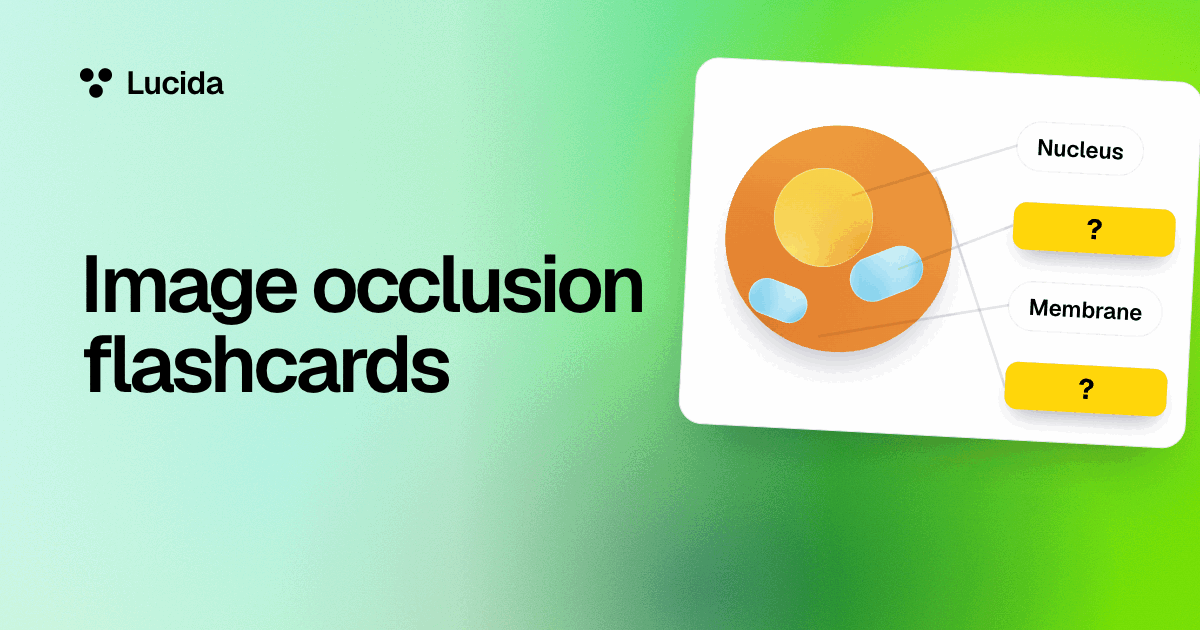
| Pictures, sounds and other media | A text file can’t carry them. Add them again in Lucida, or ask your AI to make picture cards (see AI flashcards). |
| Tags and note types | From Anki. |
| Fancy formatting | Lucida keeps bold, italics, underline, strikethrough, highlights, headings and lists, and leaves the rest of Anki’s HTML out. |
Make new cards from a file instead
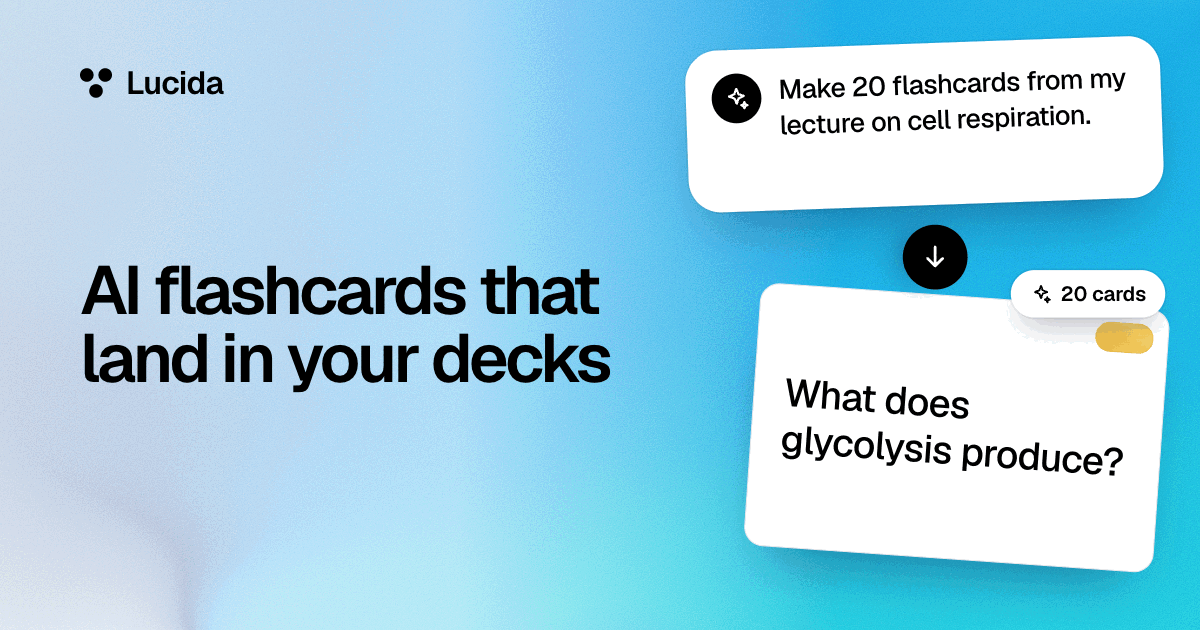
Import brings in cards that already exist. If you have notes, slides or a recording instead, Lucida can make the cards for you: choose Make cards and add a PDF, a PowerPoint, Word or text file, pictures, an audio file, a YouTube link, pasted text or a topic. Lucida shows the new cards first, and you keep, edit or remove each one. See AI flashcards for the limits and what is sent to an AI service.
Export: take everything with you
- One deck: choose Export cards in the deck’s settings. You get a CSV file with the columns front, back, kind, text, note and tags.
- Everything: in Settings, under Your data, choose Export all cards. You get one file, lucida.json, with every deck, card and review, so your review history goes with you.
- Pictures and sounds aren’t packed into those files.
- Into Anki: Anki’s manual says it imports text files with fields split by commas, semicolons or tabs, in UTF-8, so a Lucida CSV can go into Anki. The first row holds the column names, and review history and media don’t come along.
- Lucida’s privacy policy says you can export your data whenever you want.
Test yourself
Show the answerShow the questionCan Lucida open Anki’s .apkg files?No. Use Anki’s Notes in Plain Text export instead, but review history, pictures and sounds don’t come across.
Show the answerShow the questionWhat are the steps to move a Quizlet set into Lucida?Open a set you made on quizlet.com, choose Export, then Copy text, and paste it into Import cards.
Show the answerShow the questionHow many cards can the Import screen take at a time?Up to 5,000, so import a bigger file in parts. The first-time setup screen has no such cap.
Show the answerShow the questionWhat does Export all cards give you in Lucida?One file, lucida.json, with every deck, card and review, so your review history goes with you.
Questions
Can I import an Anki deck into Lucida?
Yes, through Anki’s plain-text export, not the .apkg file. In Anki, export with Notes in Plain Text and import the .txt file into Lucida. Scheduling, pictures, sounds and tags don’t come along.
Can I import a .apkg file?
No. Lucida can’t open .apkg or .colpkg files. Export the deck from Anki as Notes in Plain Text instead.
How do I import my Quizlet sets?
On quizlet.com, open a set you made, choose Export, then Copy text, and paste it into Lucida’s Import cards. Quizlet only exports sets you created, only on its website, and without pictures.
Does importing keep my Anki review history?
No. Imported cards start as new cards, so you begin a fresh schedule.
Can I import a CSV file?
Yes. Put fronts in the first column and backs in the second, and save the file as CSV (UTF-8 is best). Lucida also takes TSV and plain .txt files, or pasted lines.
Will my Anki fill-in-the-blank cards still work?
Yes. Anki’s {{c1::word}} form becomes a fill-in-the-blank card in Lucida.
Is there a limit to how much I can import?
The Import screen takes up to 5,000 cards at a time, so import a bigger file in parts. The first-time setup screen after your first sign-in has no such cap.
Can I export my cards from Lucida?
Yes, on any plan. Export one deck as a CSV file, or everything (decks, cards and review history) as one lucida.json file from Settings.
Can I move my Lucida cards to Anki?
Export a deck as CSV and use Anki’s import for text files. Review history and media don’t carry over.
Can my AI add my cards instead?
Yes. If your AI app is connected to Lucida, you can paste a list into it and ask it to add the cards. For long lists, importing a file is faster.
Can Lucida make cards from a PDF or slides instead of importing?
Yes. Importing is for cards that already exist. To make new cards from a PDF, slides, a Word file, caption files, pictures, a recording, a YouTube link or a topic, choose Make cards. Lucida can’t make cards from a web page address, so paste the text or save the page as a PDF.
Keep reading

Sources (4)
The pages this one was written from, and the day each was checked.
- Anki Manual: Exporting · checked September 30, 2026
- Anki Manual: Importing text files · checked September 30, 2026
- Quizlet Help Center: Exporting your sets (read through an Internet Archive copy from July 2026, because Quizlet’s site blocks automated readers) · checked September 30, 2026
- Lucida Privacy Policy (updated September 24, 2026) · checked October 1, 2026