Lucida for teachers
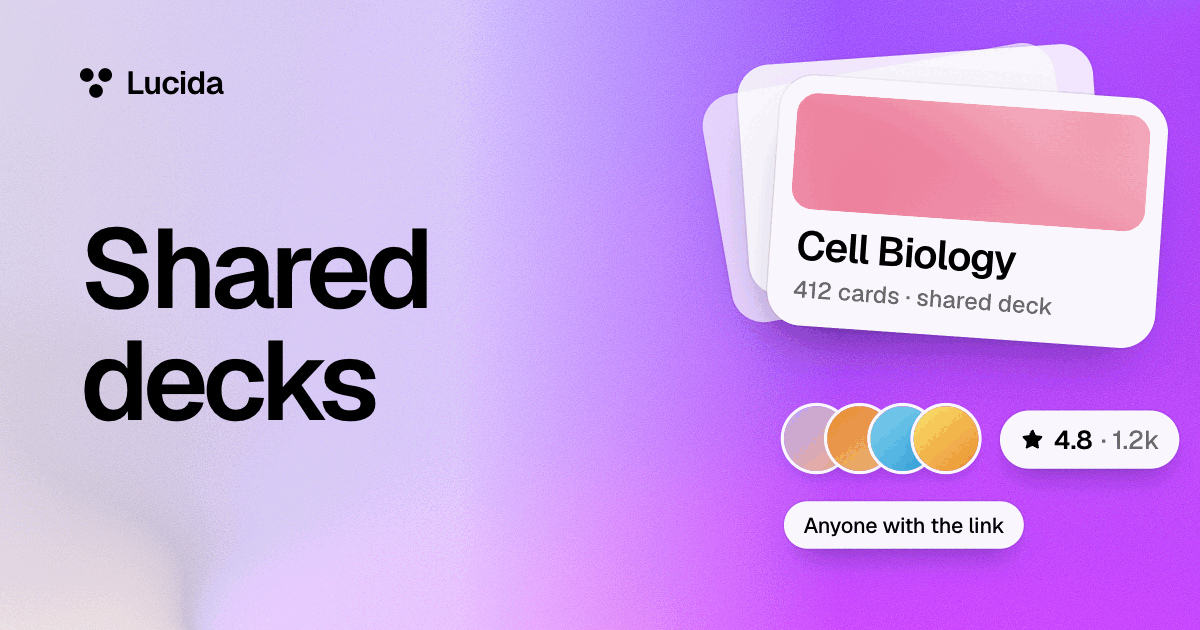
Lucida gives teachers free live review games that students join on their phones with a 6-digit code and no account, plus decks to share by link that students can study, copy or suggest fixes to. It’s built for students 13 and up, live games aren’t graded, and there’s no gradebook, roster import or link to school systems.
On this page
At a glance
| Tool | What it does | Do students need an account? |
|---|---|---|
| Live games | A quiz game from a deck. Students join on their phones with a 6-digit code. Up to 60 players | No |
| Shared decks | Send a deck by link. Students study it as it is, or make a copy of their own | Yes, to study or copy it |
| Suggested fixes | Students suggest changes to a deck you share. You take or skip each one | Yes |
| Making decks | Type cards, import from Quizlet, Anki or CSV, make cards in Lucida from your slides or documents, or ask your own AI to draft cards | Only you need one |
Why flashcards work in school
Retrieval practice means asking students to recall what they learned instead of rereading it, and research in schools supports it. In three experiments with sixth graders, low-stakes quizzes raised scores on chapter and semester exams (Roediger and colleagues, 2011). The retrieval practice guide from Agarwal and colleagues advises keeping it low-stakes or no-stakes, doing it often, spacing it out, and giving feedback. Flashcards and live games show the answer right after each try, and Lucida’s schedule spaces the reviews for you.
Run a unit, step by step
- 1Make the deck
- 2Share it by link
- 3Let students study it
- 4Use Live for review days
- 5See the hardest cards (Pro)
- 6Improve the deck
- 1. Make the deck. Type cards, import them, make cards in Lucida from your slides, or ask your own AI to draft cards. Lucida shows the cards it makes before they are saved, and with your own AI you can turn on Let me check AI cards first, so you read them before students do.
- 3. Let students study it. They sign in, then study the deck as it is or make a copy of their own. Their schedule, streak and scores stay theirs and never go to you.
- 4. Use Live for review days. Open a room from the deck on your computer, show the code on the big screen, and students join on their phones.
- 5. See the hardest cards (Pro). On a deck you share, Pro shows which cards people miss most, as percentages without names.
- 6. Improve the deck. Students can suggest fixes. You take or skip each one, and everyone studying the deck gets the update.
Live games for review days
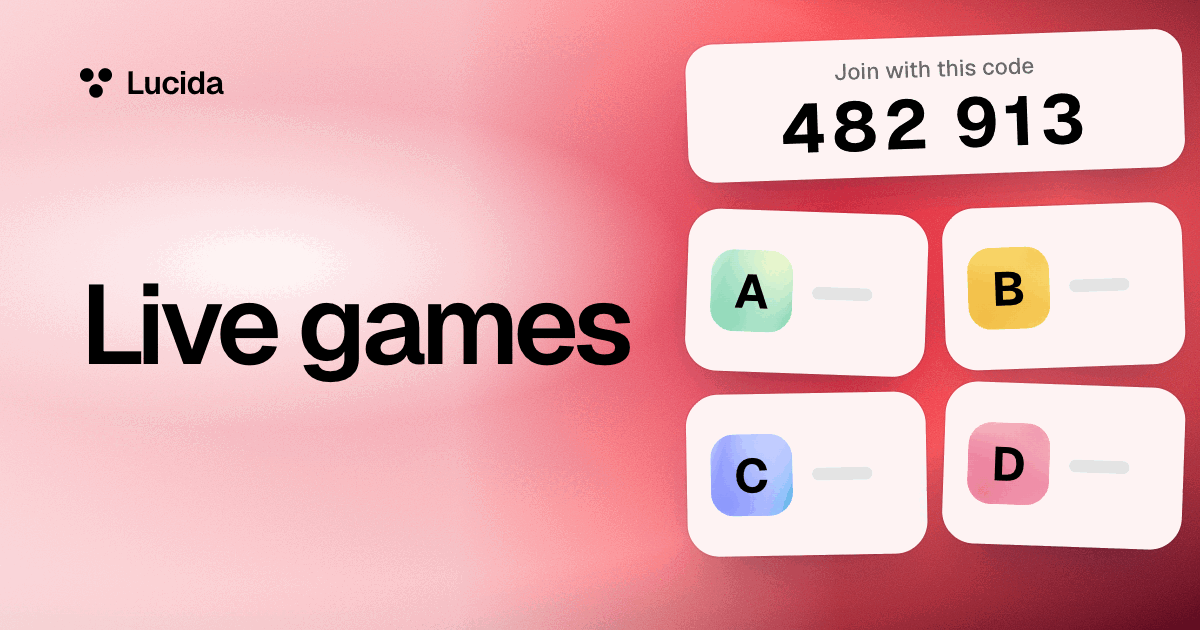
From any deck of yours, choose Play live, pick how many questions (5, 10 or 20) and the time for each (10, 20 or 30 seconds), then open the room and show the 6-digit code on the big screen. Students go to lucida.cards/join on their phones and type the code and a name. A room holds up to 60 players, and players need no account.
Everyone answers the same multiple-choice questions for points, and a leaderboard follows each question. Live games aren’t graded and don’t save a report, so keep the points for fun. You can also start a game from a topic you type, which counts as one of your daily makes. See live games.
Privacy and student data
- Students must be 13 or older. Lucida’s terms require it, and its privacy policy says it isn’t meant for younger children.
- When students study your shared deck, their schedule, streak and scores never go to you.
- Lucida’s privacy policy says it shows no ads, doesn’t sell your data, and doesn’t use cards to train AI models. Supabase stores the data in the United States, and students can export or delete it.
- When you make cards in Lucida, the text, pictures or audio you add go to an AI service to write the cards. Lucida asks for services that say they don’t keep it or train on it.
- People who join a live game give a name and nothing else: no account and no email.
- The privacy policy doesn’t mention school-specific privacy laws, so check with your school before you use Lucida with students.
Verified teachers
Teachers can ask to be verified, in Settings, with a school email or a link that shows where they teach. The Lucida team reviews each request. A verified teacher gets a check on their profile and can mark shared decks as Checked, which shows a badge until the deck changes. Discover has a Checked by teachers section. The badge means one teacher checked the deck, and it isn’t a guarantee. See shared decks.
What Lucida doesn’t do for teachers
- There’s no gradebook, roster import, or link to school systems.
- You can’t assign a deck to students or set a due date.
- There are no per-student answer reports. On Pro, you can see which cards on a deck you share people miss most, as percentages without names.
- Live games aren’t graded and don’t save a report.
- Lucida isn’t for students under 13.
- Everything needs an internet connection.
Test yourself
Show the answerShow the questionIs Lucida free for teachers?Yes. Shared decks and live games are free, and the pricing page has no separate school plan.
Show the answerShow the questionWhat do students need to join a live game?A 6-digit code and a name. They need no account.
Show the answerShow the questionWhat can a teacher see about how students are doing?Not a student’s schedule, streak or scores. On Pro, a deck you share shows which cards people miss most, as percentages without names.
Show the answerShow the questionWhat does Lucida not do for teachers?No gradebook, roster import, or link to school systems. Live games aren’t graded, and it isn’t for students under 13.
Questions
Is Lucida free for teachers?
Yes. Shared decks and live games are free. Pro ($5.99 a month or $49.99 a year, as of September 2026) adds extras like Stats and the hardest cards on decks you share. The pricing page has no separate school plan.
How do I use flashcards with students?
Use them as low-stakes retrieval practice: short, frequent recall with feedback. Share a deck by link, run a live round on review days, and keep the points out of your grades.
Do students need an account?
To study or copy a shared deck, yes. To join a live game, no: they need only the code and a name.
Can I see my students’ progress?
Not student by student. Their schedule, streak and scores never go to you, and live games don’t save a report. On Pro, you can see which cards on a deck you share people miss most, as percentages without names.
How do I run a live quiz from my flashcards?
Open a deck on your computer, choose Play live, pick the cards, number of questions and time per question, and open the room. Show the code on the big screen, and students join on their phones. See live games.
Can I use Lucida instead of Quizlet or Kahoot?
Lucida covers flashcards, a free Learn mode, shared decks and a live quiz game. For side-by-side comparisons with sources, see Lucida vs Quizlet and Lucida vs Kahoot.
Can Lucida or my AI make a deck from my slides?
Yes, both. In Lucida, choose Make cards and add your slides (a PowerPoint, PDF or Word file): Lucida makes the cards and shows them to you first. Or use your own AI app connected to Lucida: attach your slides and ask for flashcards, and turn on Let me check AI cards first so you read them before sharing. See AI flashcards.
What age is Lucida for?
13 and up. Lucida’s terms require users to be at least 13, and its privacy policy says it isn’t meant for children under 13.
Does Lucida connect to my school’s systems?
No. There’s no gradebook, roster import, or link to school systems. You send students a deck’s link yourself.
Can students suggest corrections to my deck?
Yes. Anyone signed in can suggest changes, and one person can have up to five waiting on a deck at a time. You take or skip each one, and everyone studying the deck gets the ones you take.
How do I get verified as a teacher?
In Settings, ask to be verified with a school email or a link that shows where you teach. The Lucida team reviews each request. A verified teacher gets a check on their profile and can mark shared decks as Checked.
Keep reading
Sources (5)
The pages this one was written from, and the day each was checked.
- Roediger, Agarwal, McDaniel and McDermott (2011), Test-enhanced learning in the classroom: Long-term improvements from quizzing, Journal of Experimental Psychology: Applied · checked September 30, 2026
- Agarwal, Roediger, McDaniel and McDermott (2020), How to Use Retrieval Practice to Improve Learning, retrievalpractice.org · checked September 30, 2026
- Lucida Terms of Service (updated September 24, 2026) · checked September 30, 2026
- Lucida Privacy Policy (updated September 24, 2026) · checked October 1, 2026
- Lucida pricing (what Free and Pro include, as of September 2026) · checked October 1, 2026