Image occlusion flashcards
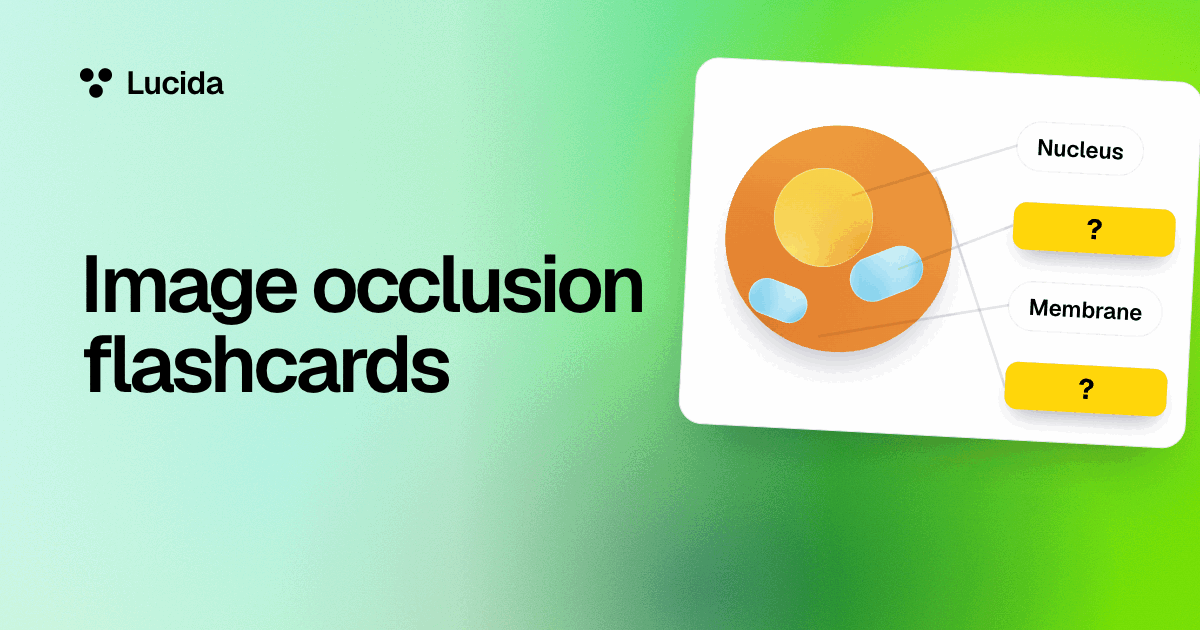
Image occlusion hides parts of a picture behind boxes so you have to remember what’s under each one: add a picture, drag boxes over the labels or parts, type what’s under each, and Lucida makes one flashcard per box. It’s free, every box gets its own review schedule, and it works for anatomy, maps, diagrams and anything else you can point at.
On this page
At a glance
| Mode | What you see when a box is asked | Use it when |
|---|---|---|
| Hide one | Only the asked box is covered, and the rest of the picture shows | The other labels help you place the part, like the neighbors on a diagram |
| Hide all | Every box is covered, and one is asked | You want to recall the whole picture without the other labels as hints |
Make picture cards, step by step
- 1. Add a card and choose Image. Add a picture from your device. Lucida takes PNG, JPEG, GIF and WebP pictures, shrinks big ones to at most 2,400 pixels across, and needs the file to end up under 4 MB. An iPhone HEIC photo is turned into a JPEG in browsers that can open one. In others, export it as a JPEG first.
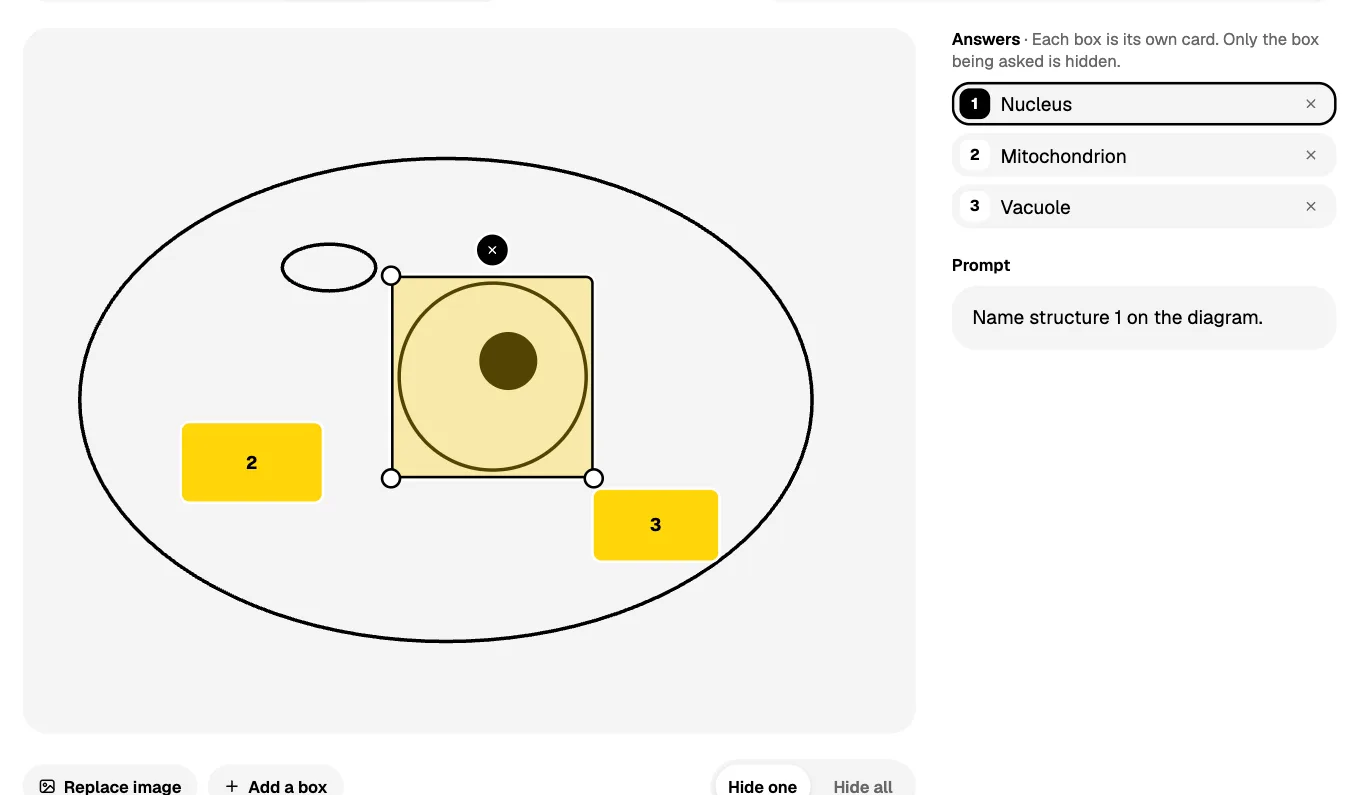
- 2. Drag on the picture to draw a box over the part to hide, or press Add a box. Drag a box to move it, pull a corner to resize it, and press × to remove it. Undo steps back through all of it. A mouse or a finger both work.
- 3. Type what’s under each box. That’s the answer. You can also write a prompt, like “What should they name?”
- 4. Choose Hide one or Hide all, then save. Each box is now its own card.
How the cards work
- A picture can have up to 30 boxes. Each box is scheduled on its own, so you might know the aorta and keep forgetting the vena cava.
- In review, the asked box is filled in with its number. After you flip, it fades to an outline and you see its label.
- Change the boxes later and Lucida keeps each box’s history. A box you delete takes its card with it, and a box whose label changes gets a fresh explanation.
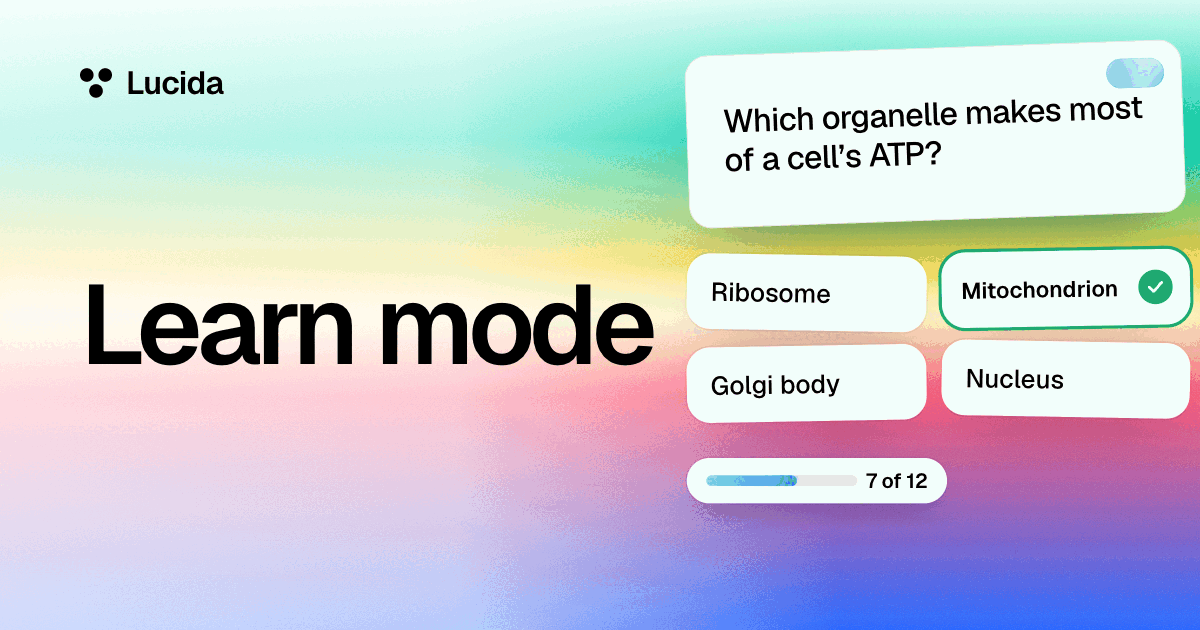
- Learn mode asks “What’s under box 2?” and offers the picture’s other labels as the wrong choices, so the choices are the real neighbors (see Learn mode).
- Live games show the picture and the asked box on the big screen. Phones show the question and the answers only (see live games).
- Explain works on a box too: Lucida’s AI is told it’s a picture with one part hidden, and what the label is.
What it’s good for
Piotr Wozniak, in his twenty rules of formulating knowledge, says graphic deletion is as good as cloze deletion: obstructing parts of a picture is great for learning anatomy, geography and more (rule 8). Typical uses are anatomy and histology pictures, maps, cell and pathway diagrams, lab equipment, charts and circuit diagrams.
Free or Pro?
Image occlusion is free. The free plan includes up to 100 pictures and sounds on cards, and a picture with many hidden boxes counts once. Pro lifts that limit. Only use pictures you have the right to use, such as your own photos or slides you’re allowed to copy.
What Lucida doesn’t do
- Boxes are rectangles. There are no ellipses or free-form shapes, and you can’t group several boxes into one card. Anki’s image occlusion offers rectangles, ellipses and polygons.
- Your AI can’t draw the boxes. It can make a picture card and its answer, and you add the hidden boxes in Lucida’s editor (see AI flashcards).
- Make cards from a picture (a photo of notes or a slide, say) writes basic and fill-in-the-blank cards. It doesn’t draw hidden boxes, so you add those in the editor.
- A picture can have at most 30 boxes.
- A box with no label can’t be quizzed in Learn mode, because there’s no answer to check.
- Lucida can’t import Anki’s image occlusion cards. Pictures don’t come across in text exports (see importing), so you’d make them again.
Test yourself
Show the answerShow the questionWhat is the difference between Hide one and Hide all?With Hide one, only the asked box is covered. With Hide all, every box is covered and one is asked.
Show the answerShow the questionHow many boxes can one picture have?Up to 30. Each box is its own flashcard with its own schedule.
Show the answerShow the questionIs image occlusion free in Lucida?Yes. The free plan includes up to 100 pictures and sounds on cards, and Pro lifts that limit.
Show the answerShow the questionWhat shapes can Lucida’s image occlusion boxes be?Rectangles only. There are no ellipses or free-form shapes, and you can’t group several boxes into one card.
Questions
What is image occlusion?
Image occlusion is a way to make flashcards from a picture by hiding parts of it behind boxes, so you recall what’s under each one. Each box becomes its own card. It’s like a fill-in-the-blank card, for pictures.
Is image occlusion free in Lucida?
Yes. The free plan includes it, with up to 100 pictures and sounds on cards. A picture with hidden parts counts once, however many boxes it has.
What’s the difference between Hide one and Hide all?
With Hide one, only the asked box is covered and the rest of the picture shows. With Hide all, every box is covered and one is asked.
How many boxes can I add to a picture?
Up to 30. Each box is its own flashcard with its own schedule.
Can I make image occlusion cards on my phone or iPad?
Yes, in the browser. You can draw boxes with a finger or a mouse. The native iPhone app isn’t on the App Store yet.
Can my AI make image occlusion cards?
It can make a picture card with an answer, but you add the hidden boxes in Lucida’s editor. The AI can’t draw boxes.
Can I import Anki image occlusion cards?
Not directly. Lucida can’t open Anki’s .apkg files, and pictures don’t come across in a text export, so you’d add the pictures and boxes again.
Is image occlusion good for anatomy?
It’s a common way to learn anatomy: hide the labels on a diagram and recall each one. Wozniak’s twenty rules single out anatomy and geography as good fits. Use pictures you have the right to use.
Which picture files work?
PNG, JPEG, GIF and WebP. Lucida shrinks big pictures to at most 2,400 pixels across, and the file has to end up under 4 MB. iPhone HEIC photos are turned into JPEGs in browsers that can open them. In other browsers, export them as JPEG or PNG first.
Can Lucida make image occlusion cards from a photo?
Not automatically. Make cards from a photo of notes, slides, a whiteboard or a book page writes basic and fill-in-the-blank cards. To hide parts of a picture, add the picture and draw the boxes in Lucida’s editor.
Keep reading
Sources (3)
The pages this one was written from, and the day each was checked.
- Wozniak (1999), Twenty rules of formulating knowledge, SuperMemo · checked September 30, 2026
- Anki Manual: Adding/Editing (cloze deletion and image occlusion) · checked September 30, 2026
- Lucida pricing (what Free and Pro include, as of September 2026) · checked October 1, 2026